
VRBO Promotions
You can access and manage Vrbo-specific discounts directly on Uplisting. The following VRBO discounts can be set on Uplisting:
- Early booking discount on VRBO
- Last-minute discount ON VRBO
- New listing discount on VRBO
Configuring VRBO discounts on Uplisting
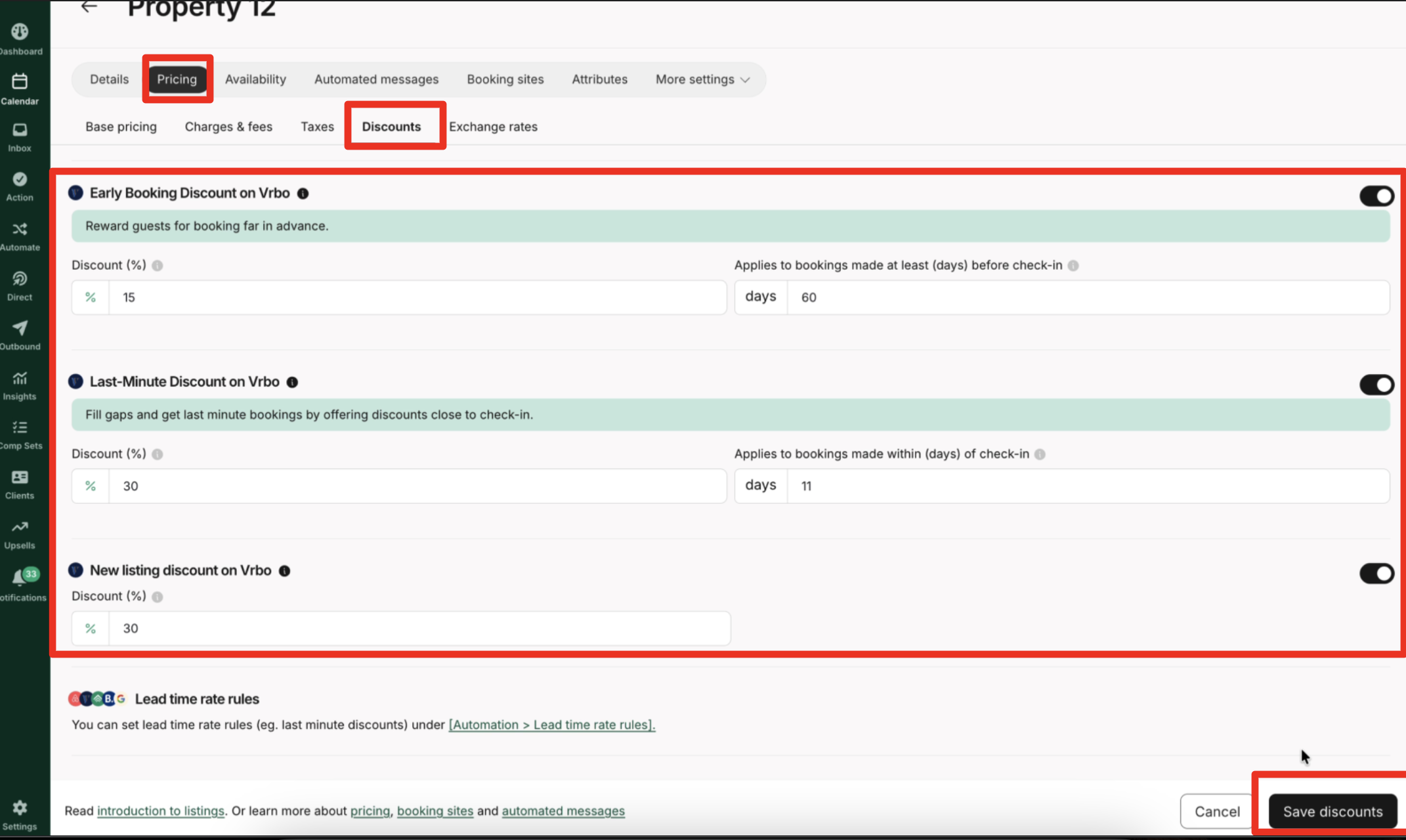
- From the calendar view, select the listing you want to set the VRBO discount on
- Navigate to the Pricing tab.
- Click on Discounts to open the discount settings for this property.
- From the list of VRBO discounts displayed, locate your preferred discounts
- Enter a % discount value in the appropriate field and enter the number of days before check-in that you'd like the discount to be applied
- Click Save discounts to apply your selected discounts
Disabling and Re-enabling Existing Vrbo Discounts
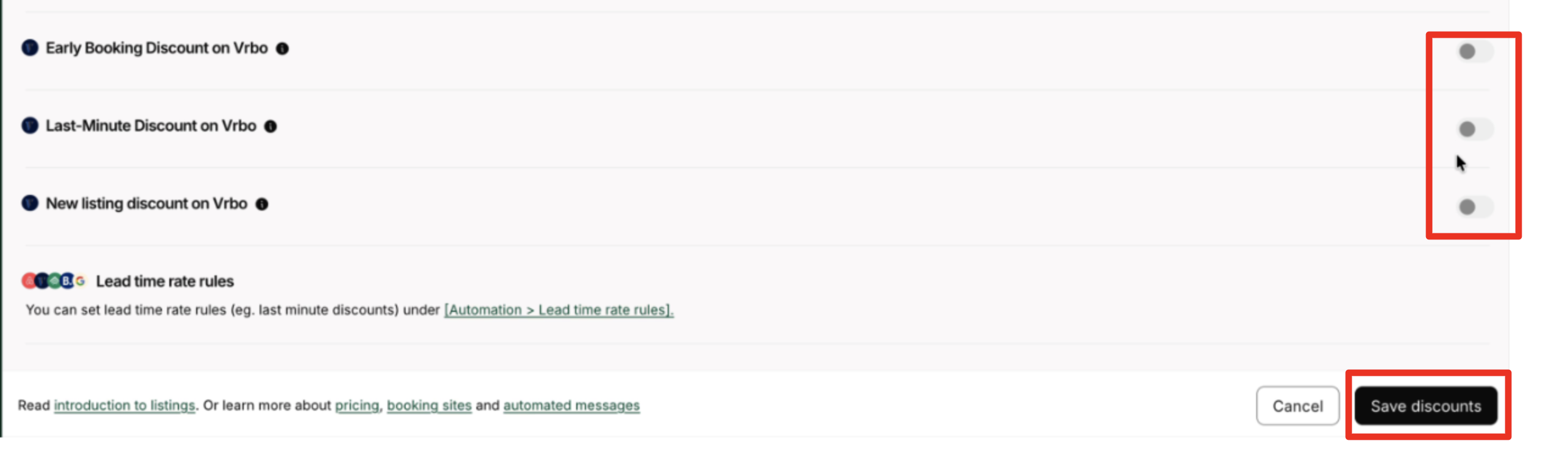
- To disable a Vrbo discount, select the discount and toggle it off the following discounts and save the changes
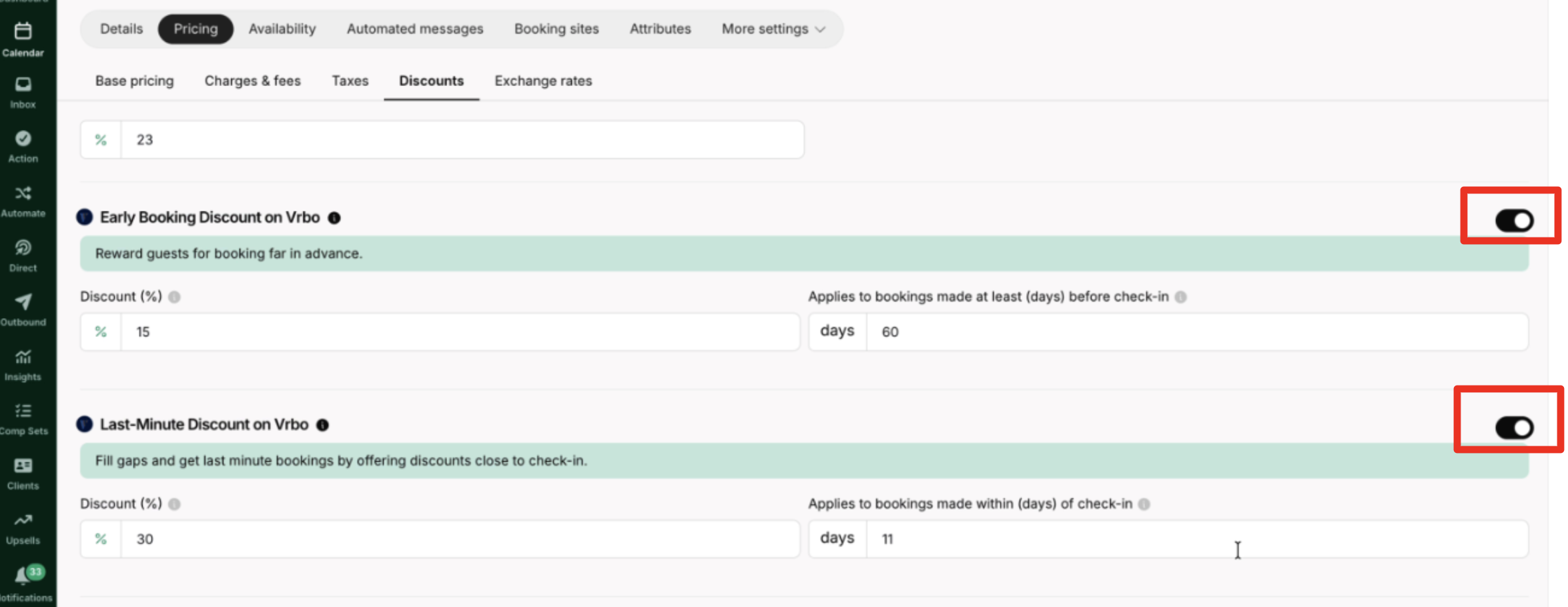
- Toggle the discount on to re-enable it, and save the changes
Updated about 1 hour ago