
Connecting & Enabling Safeguest
Prerequisites
Before enabling Safeguest, make sure the following requirements are met.
1. Listing Currency
Your listing currency on Uplisting must be set to GBP. Listing → Pricing → Base pricing → Currency
If the listing currency is not GBP, the Safeguest option will not appear.
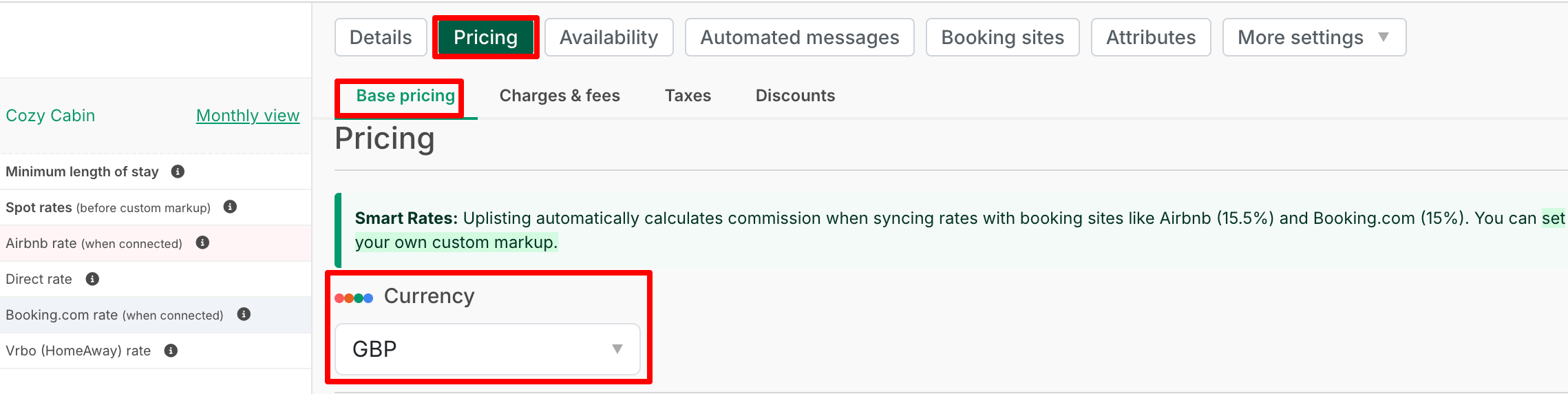
2. Base Rates
Base rates must be added before you can change the listing currency: Listing → Pricing → Base pricing → Base rates
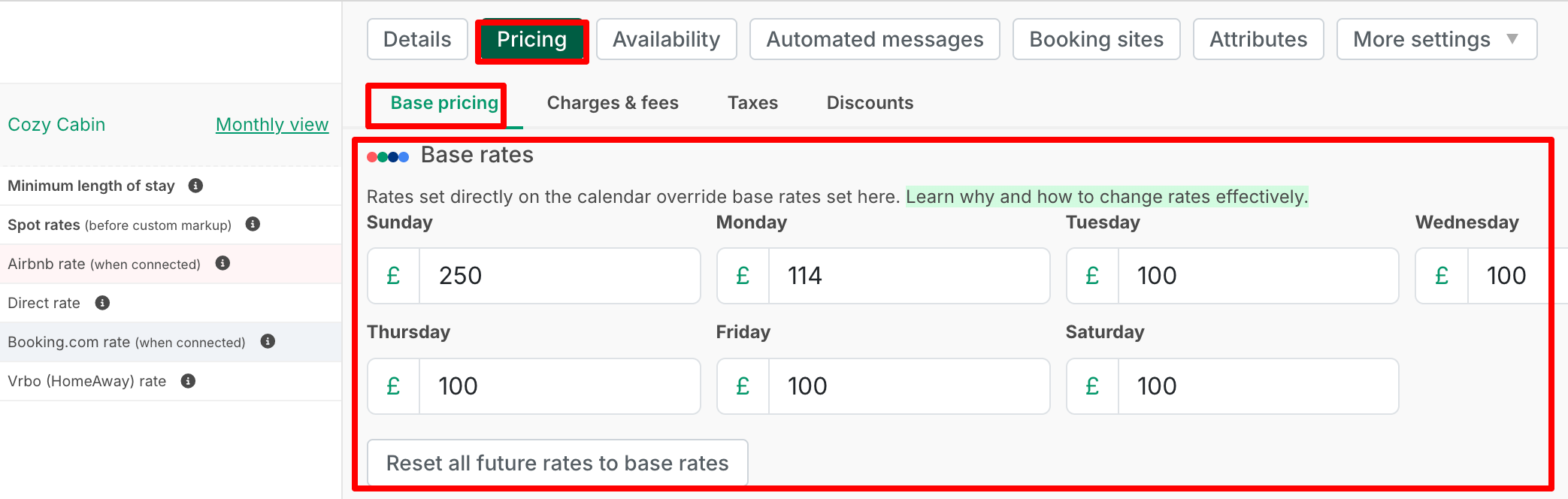
Connecting Safeguest
To activate Safeguest:
-
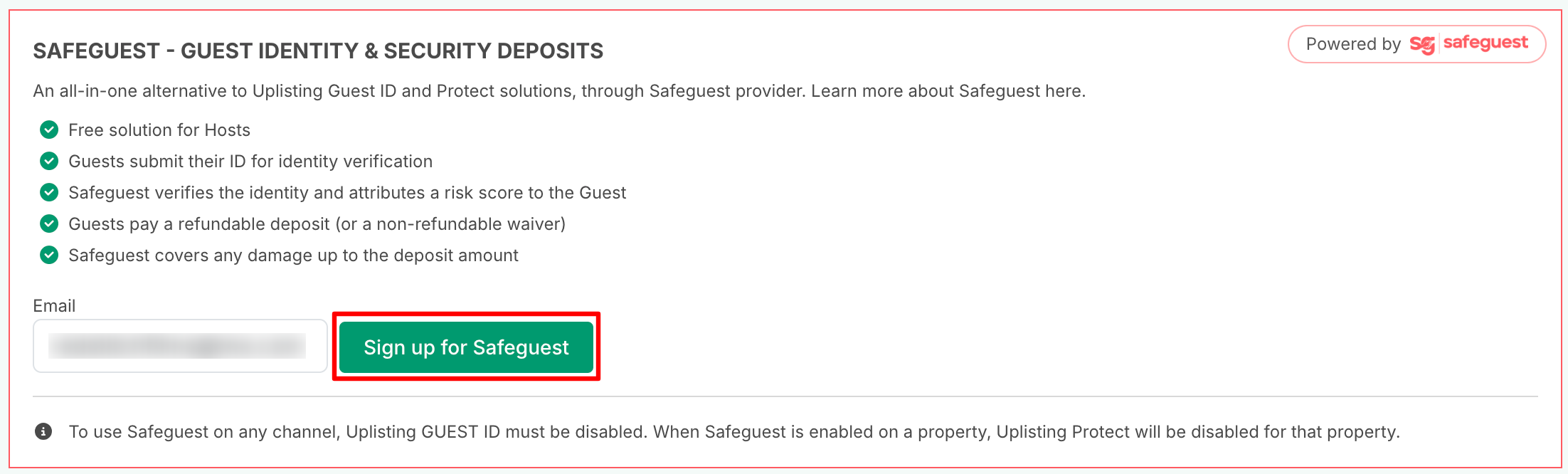
Go to Automate → Identity & Deposits on this page:
-
Click Sign up for Safeguest
-
Safeguest will send instructions to complete the connection to the email you have signed up with.
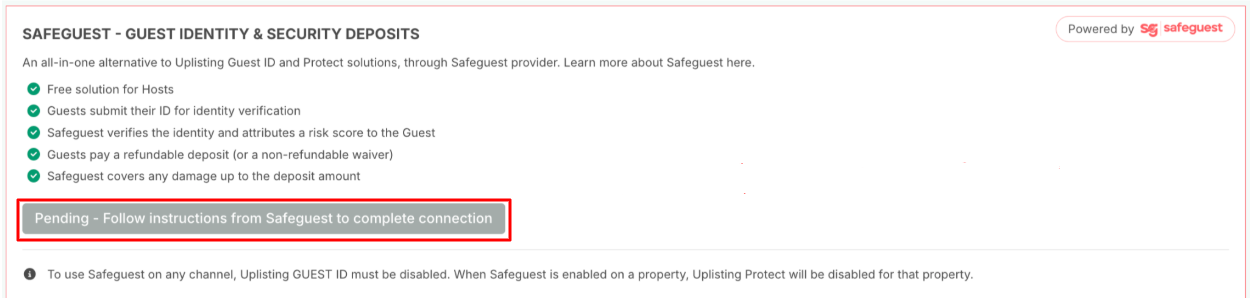
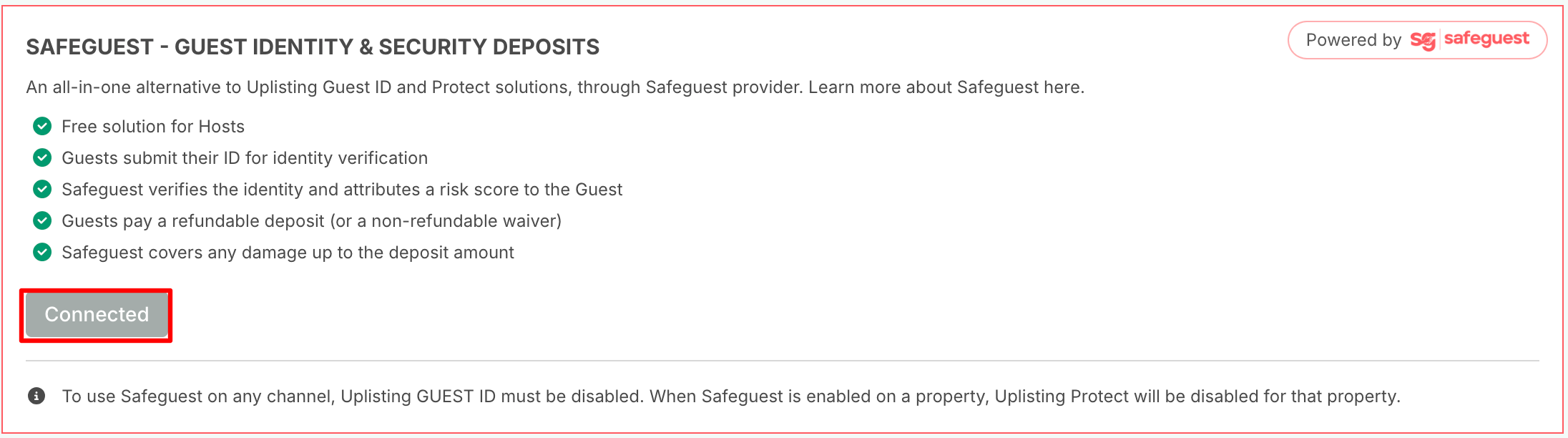
- You will see the following status during the Sign-up process:
- Pending - Follow instructions from Safeguest to complete the connection. An email with instructions on how to complete the Safeguest sign-up process will be sent to the email address you used to register.
- Connected: Once the connection is completed, the status will change to connected. This means Safeguest is successfully connected to your Uplisting account.
Enabling Safeguest on Listings
NOTE:
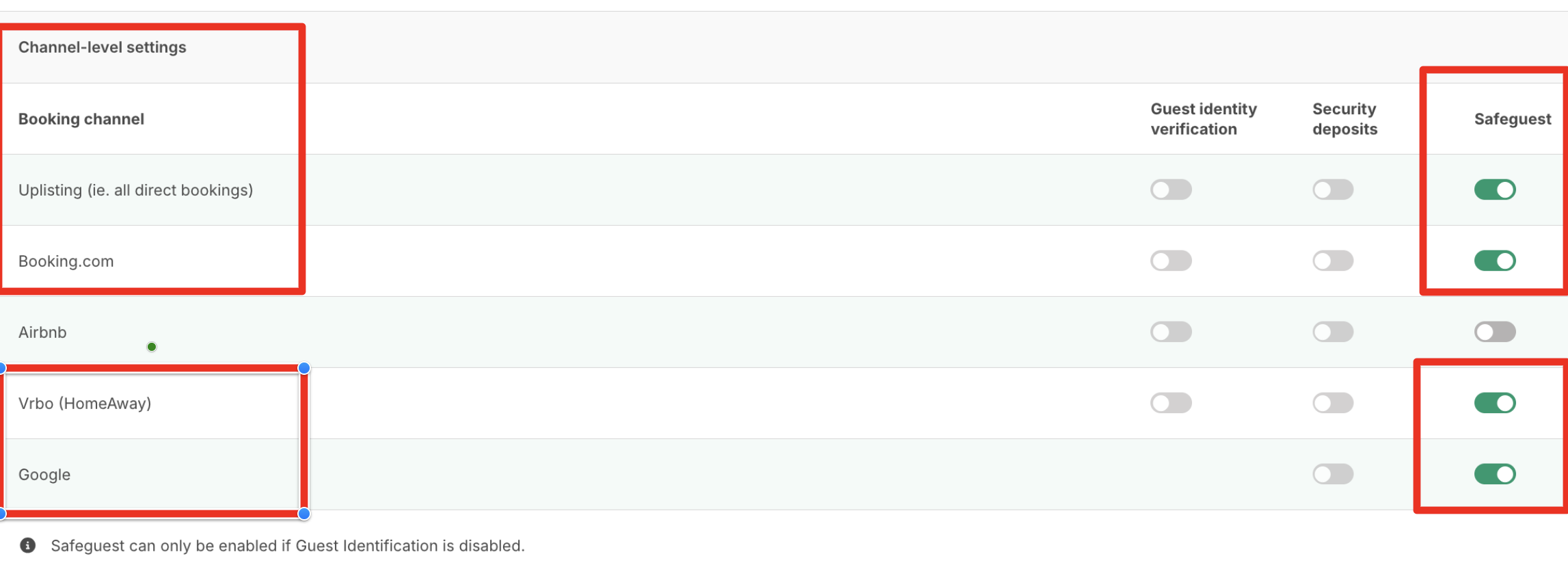
Safeguest can only be enabled when Uplisting Guest Identity is disabled.

Safeguest can be enabled:
- For one or more listings
- For one or more booking channels:
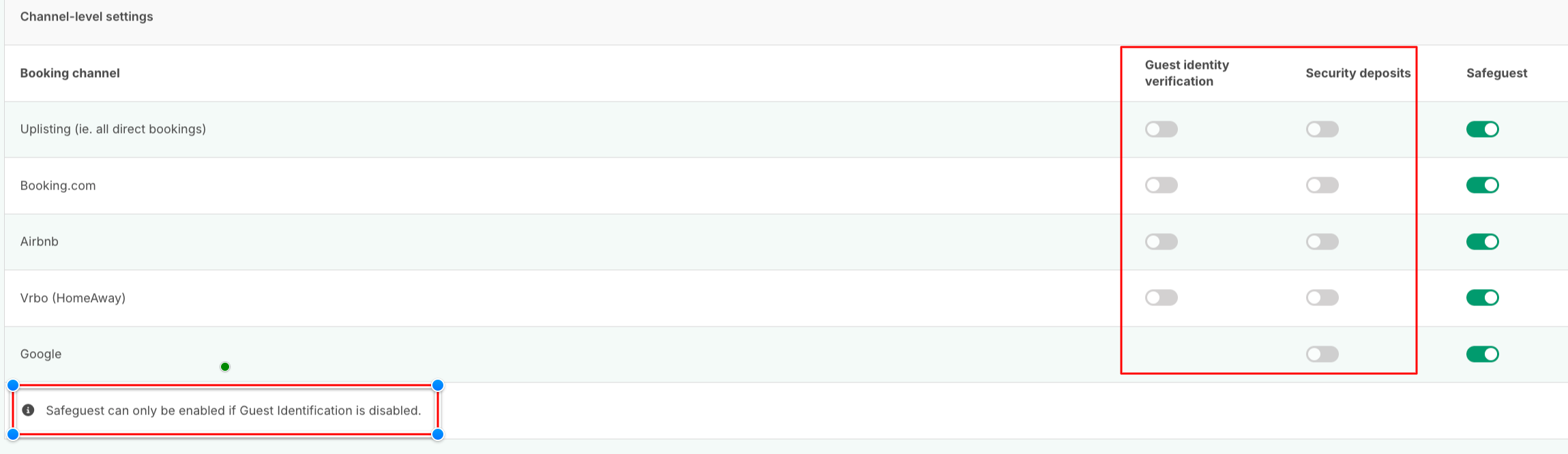
When Safeguest is enabled:
- Uplisting Guest Identity should be disabled
- Uplisting Protect (Security Deposit) should be disabled
You cannot use Safeguest and Uplisting Guest Identity or Protect at the same time.
Updated 24 days ago