
Listing Deep Dive
Listing Deep Dive & Performance Tables
The Deep Dive sections of your Airbnb Quality Dashboard give you detailed, actionable insights at both the listing level and booking level, helping you understand performance trends and identify improvement opportunities quickly
1. Listing Deep Dive
The Listing Deep Dive table provides a detailed view of performance across all your listings within the selected lookback period. This can be downloaded by selecting the download icon shown at the top right corner.
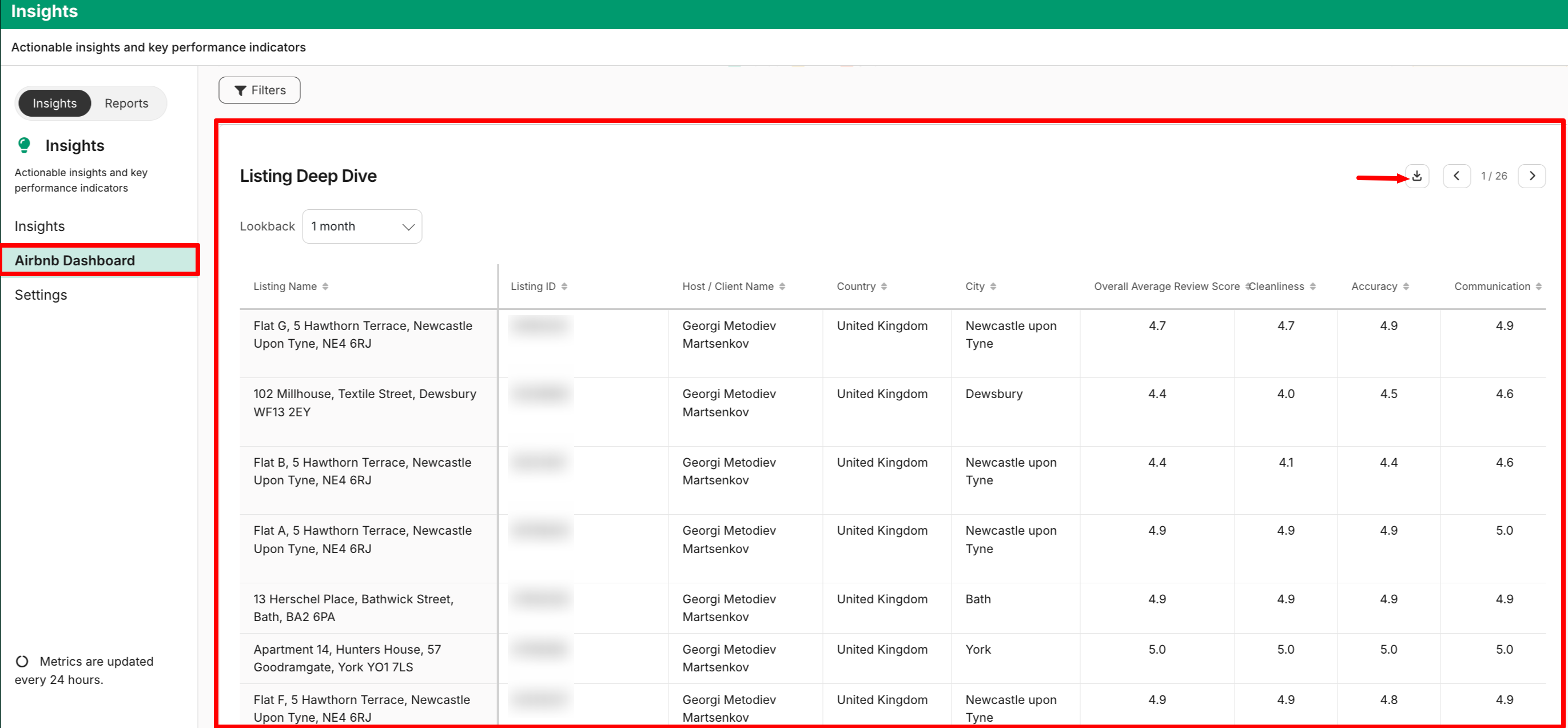
What You’ll Find
For each listing, you can view:
-
Listing name and ID
-
Host or client name
-
Location (Country and City)
-
Overall average review score (0–5)
-
Individual category scores:
- Cleanliness
- Accuracy
- Communication
- Check-in
- Location
- Value
-
5-star review rate (%)
-
Top positive review themes
-
Top negative review themes
-
Most common reservation issues
-
Most common customer service issues
-
Most common cancellation issues
-
Latest quality status
-
Quality percentile ranking (0–100)
-
Guest Favorite status
-
Missing checkout tasks indicator
-
Pending improvement opportunities (count)
How to Use It
This table helps you:
- Quickly spot underperforming listings
- Identify recurring guest feedback patterns
- Prioritize listings that need attention
- Track progress on quality improvements
2. Booking-Level Deep Dive
The Booking-Level Deep Dive gives you a granular view of individual guest stays.
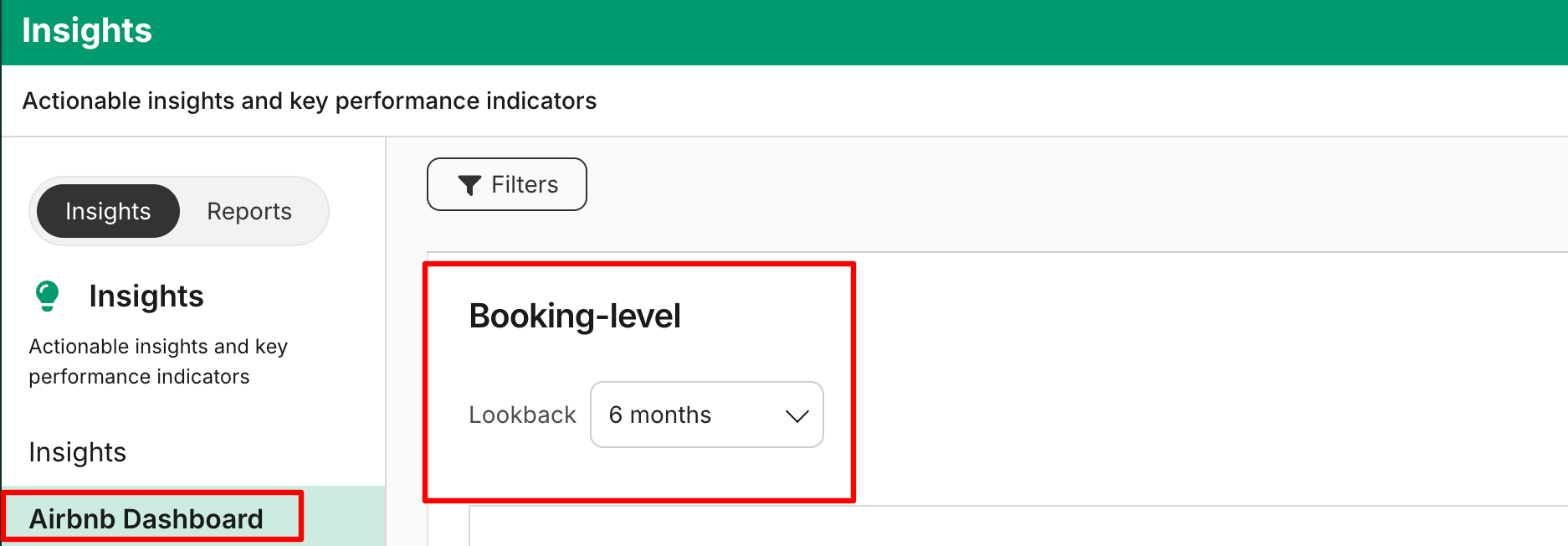
What You’ll Find
For each completed booking:
-
Checkout date
-
Internal booking ID
-
Guest name
-
Associated listing name and ID
-
Location (Country and City)
-
Overall review score (1–5)
-
Category-level review scores:
- Cleanliness
- Accuracy
- Communication
- Check-in
- Location
- Value
-
Positive review themes
-
Negative review themes
-
Trip issue flag (Yes/No)
-
Guest review comments
-
Host review comments
How to Use It
This view is ideal for:
- Investigating specific low ratings
- Understanding context behind guest feedback
- Identifying patterns across bookings
- Supporting operational reviews with your team
3. Opportunities
The Opportunities section highlights recommended actions to improve listing quality and performance.
What You’ll Find
- Opportunity title
- Opportunity description
- Associated host or client
- Relevant listing name and ID
- Location (Country and City)
- Direct link to take action
Why It Matters
Opportunities are proactive recommendations designed to help you:
- Improve guest experience
- Address recurring issues
- Increase quality metrics
- Strengthen overall performance
4. Notifications
The Notifications section surfaces broader quality signals that may require attention.
What You’ll See
- Notification title
- Notification description
- Host or client impacted
- Number of listings affected
- Direct link to take action
This helps you quickly understand whether an issue is isolated or affecting multiple listings.
5. Resolutions
The Resolutions section tracks actions taken and issues addressed.

This allows you to:
- Monitor which quality issues have been resolved
- Track progress over time
- Ensure follow-through on operational improvements
Table Features
All Deep Dive tables include:
- Sortable columns (ascending/descending)
- Column-level filters where relevant
- Pagination for large data sets
- CSV export (respects global and table-specific filters)
- Excel export (if enabled)
Exports always reflect the exact filtered view you are seeing.
Recommended Workflow
For best results, use the sections together:
- Start with Listing Deep Dive to identify problem areas.
- Drill into Booking-Level Deep Dive to understand specific guest experiences.
- Review Opportunities for recommended actions.
- Monitor Notifications for broader trends.
- Track follow-through in Resolutions.
This end-to-end visibility helps you move from insight to action to measurable improvement.
Updated 2 months ago