
How to upload your own logo
How to upload your own logo
You can upload your own logo to brand your Direct Booking Engine.
👍 Page loading speeds are critical for optimal conversion rates
For this reason we want to keep our image files as small as we can without losing quality. We recommend you compress your logo image before uploading to Uplisting.
You can use a service like https://imagecompressor.com/ to do this easily. Every byte saved helps boost your bookings!
How to upload your logo
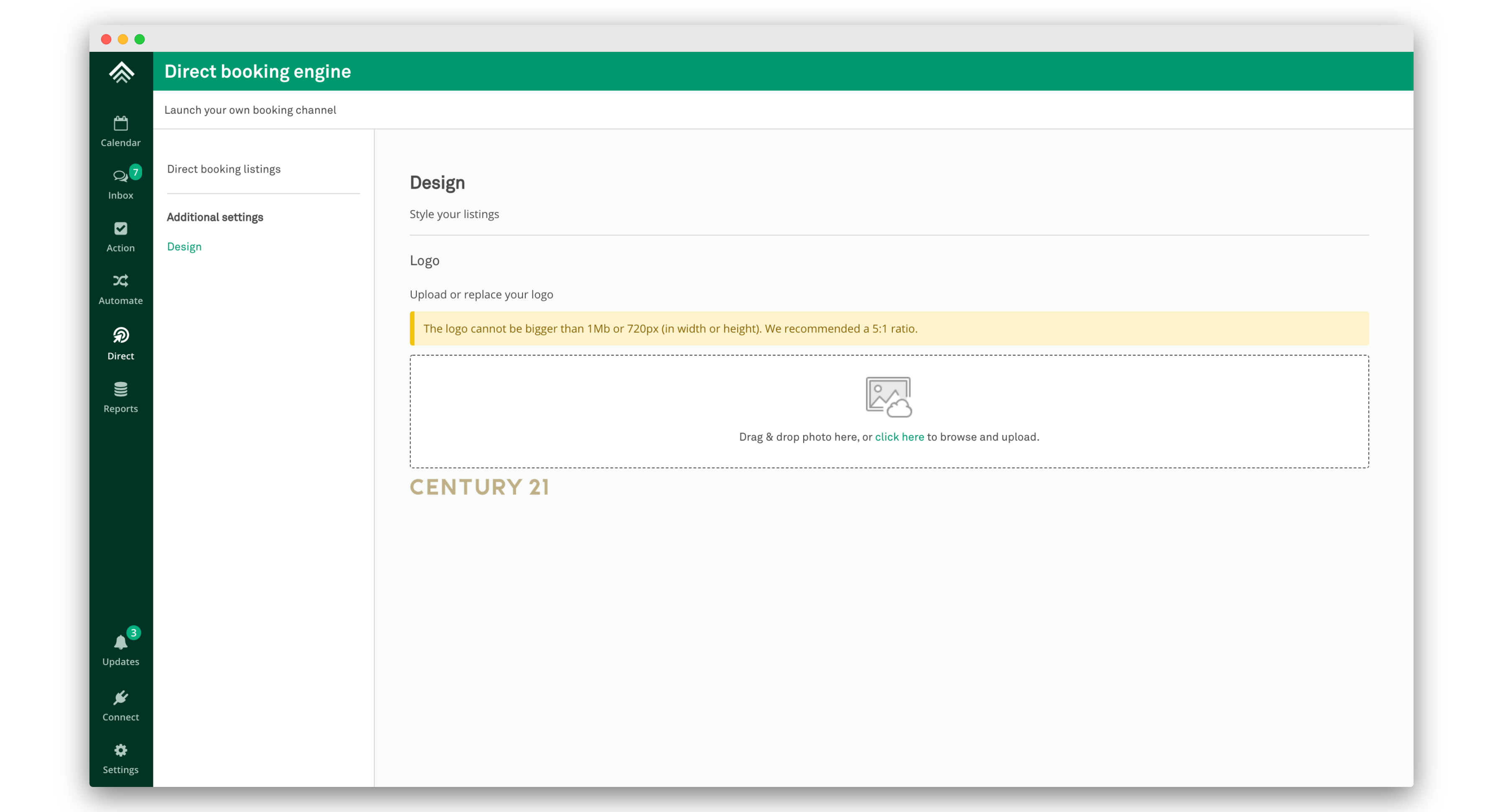
- Assuming you have compressed your logo, go to the Direct page and select the Design tab.
- Drag and drop your image or select 'click here' to upload.
- If the logo meets the requirements then it will be in place instantly. You will see the logo underneath the upload area.
Updated on: 12/05/2026
Thank you!