
How to create your subdomain
How to create your subdomain
You can personalise the your Direct Booking Engine to use your own logo and subdomain.
What is a subdomain?
A subdomain is something other than the usual www at the start of a website URL.
For example, if your company is called London Rental Management, rather than using the standard https://www.bookeddirectly.com/g/london-two-bed domain name, you can make it unique with your own subdomain. For example https://london-rental-management.bookeddirectly.com/g/london-two-bed.
How to create a subdomain
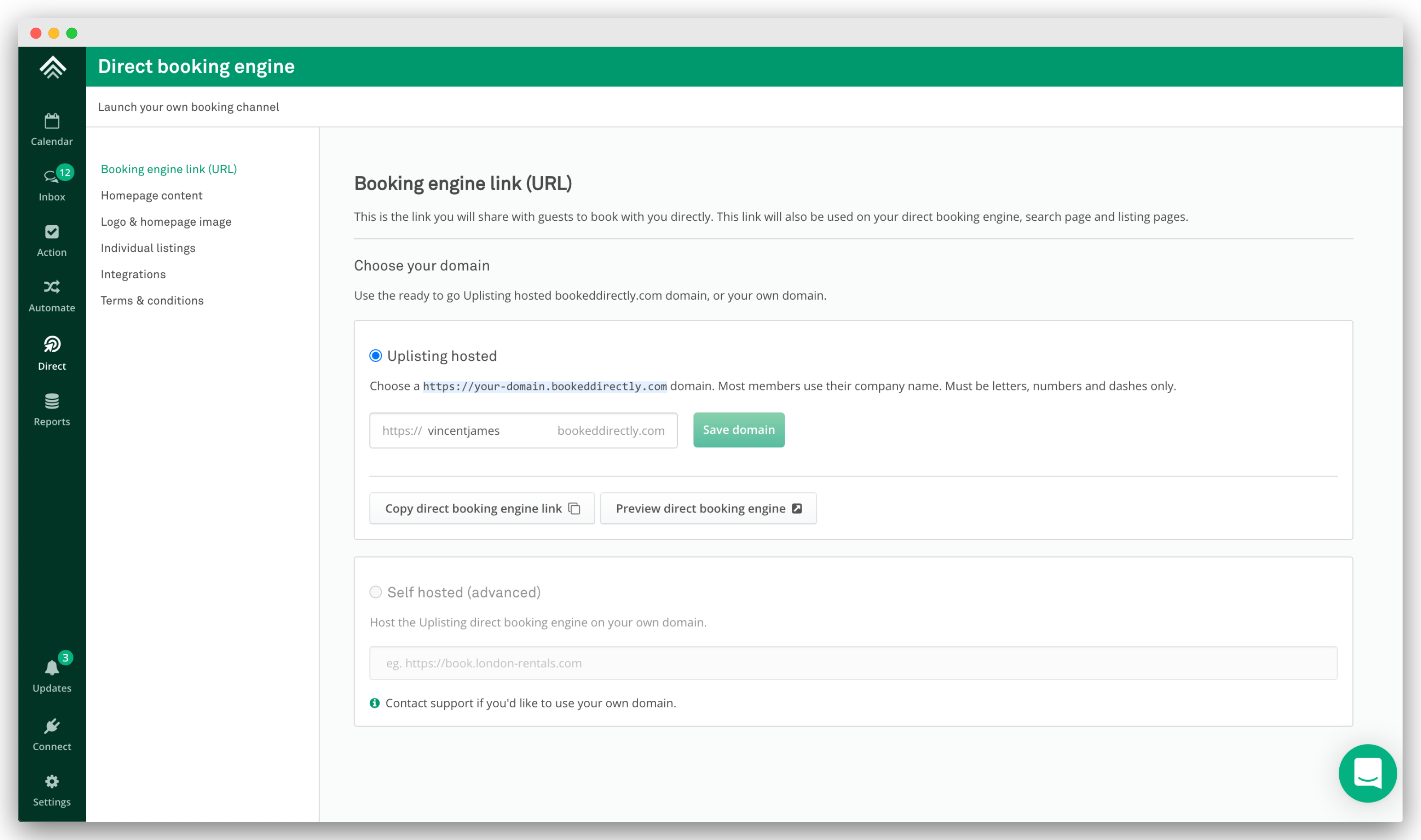
- Go to
Direct > Booking engine link (URL)(here). - Enter your subdomain into the input .
- Save domain. Done.
- Copy the link or click the preview button.
Updated on: 12/05/2026
Thank you!