
Accept payments via Stripe
Accept payments via Stripe
Uplisting direct booking pages take all the hassle out of guest payments by automatically taking payment on your behalf. All you need is a Stripe account.
How to connect your Direct Booking listings to Stripe
- Go to the
Connect > Stripescreen - If you are connecting Stripe for the first time, select the
Connect with Stripebutton - This opens up Stripe where you can authorise Uplisting
- Once your Stripe account is connected, select
Settings

- Select the listings to connect to this Stripe account and select
Save and connect Stripe
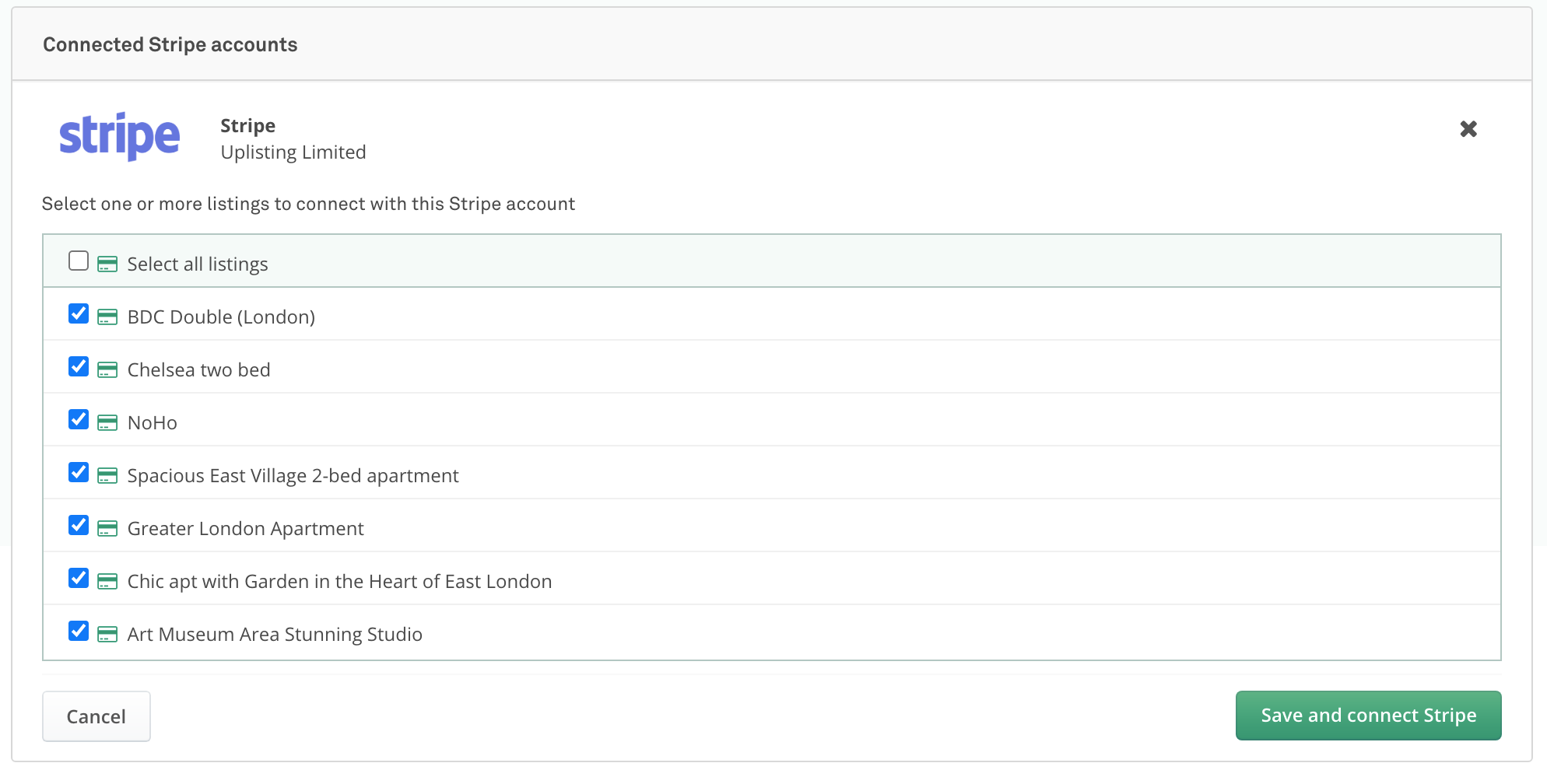
- Done. When guests attempt to book using your Direct Booking Listing pages, payments will automatically process through your Stripe account.
Updated on: 12/05/2026
Thank you!