
How to reset your password
How to reset your password
Locked out of your account? Here's how to reset your password.
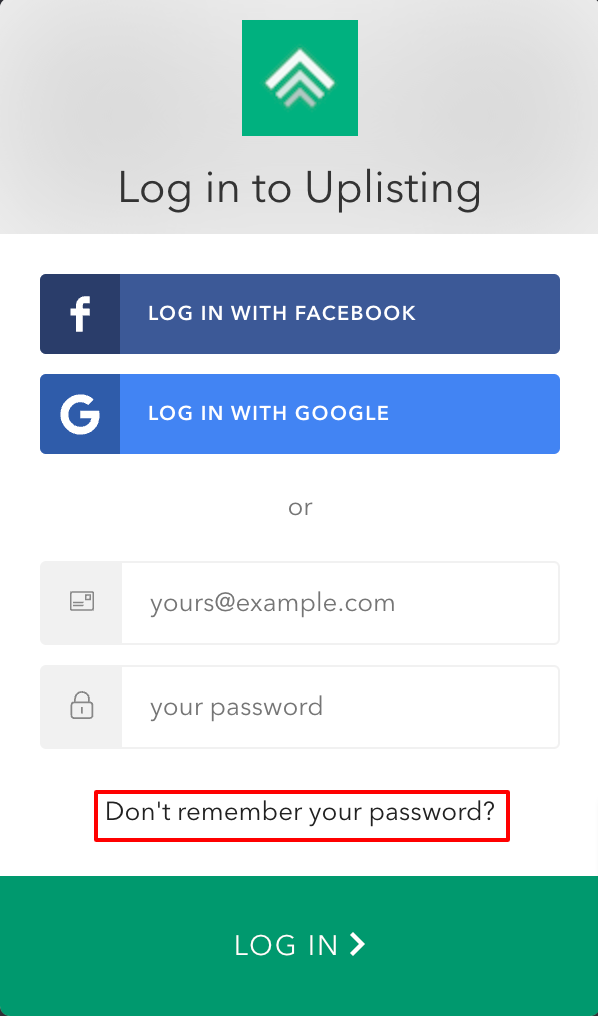
You can quickly reset/change your password on the log in page - https://app.uplisting.io/
- Simply click on 'Don't remember your password' as shown below:
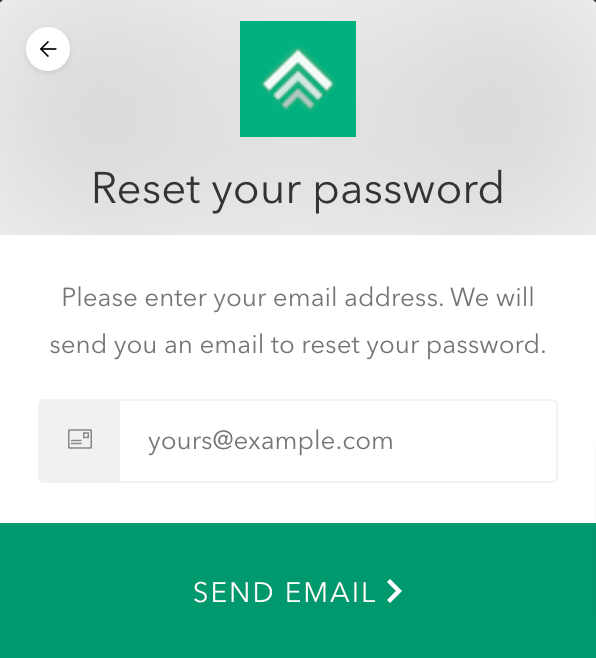
- Then enter the email address associated with your Uplisting account. You will get an email with a reset link.
Using Social Login? This is how to set username and password.
If you log in using Google or Facebook, and would like to set a username and password, please follow the steps below:
- Log out of Uplisting
- Sign up again to Uplisting using the same email address as your google login and a new password
- Log out of Uplisting again
- Log back in using your email and password
- The two accounts will be linked together
If you are having any further challenges accessing your account, please reach out to support on Live Chat or via [email](support@uplisting.io
Updated on: 12/05/2026
Thank you!