
How to Enable Two-Factor Authentication (2FA)
How to Enable Two-Factor Authentication (2FA)
To add an extra layer of security to your account on Uplisting, please follow the steps below:
- Log in to your Uplisting account.
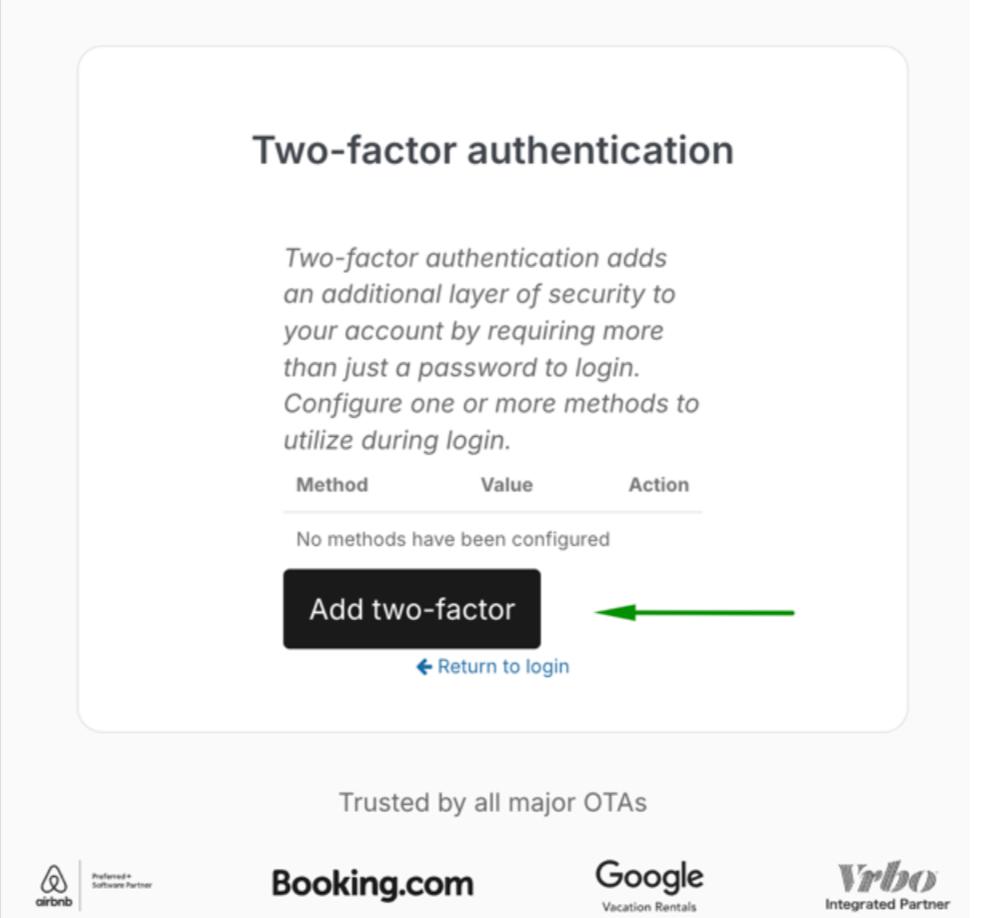
- Go to Two-Factor Authentication Settings.(You will be required to log in if you’re not)
- Follow the on-screen steps to complete setup.
Once enabled, you’ll need both your password and a verification code to sign in.
Updated on: 12/05/2026
Thank you!