
How to link listings
How to link listings
Instructions on how to link listings on Uplisting
Video guide on linked listings
How linked listings work and how to set up
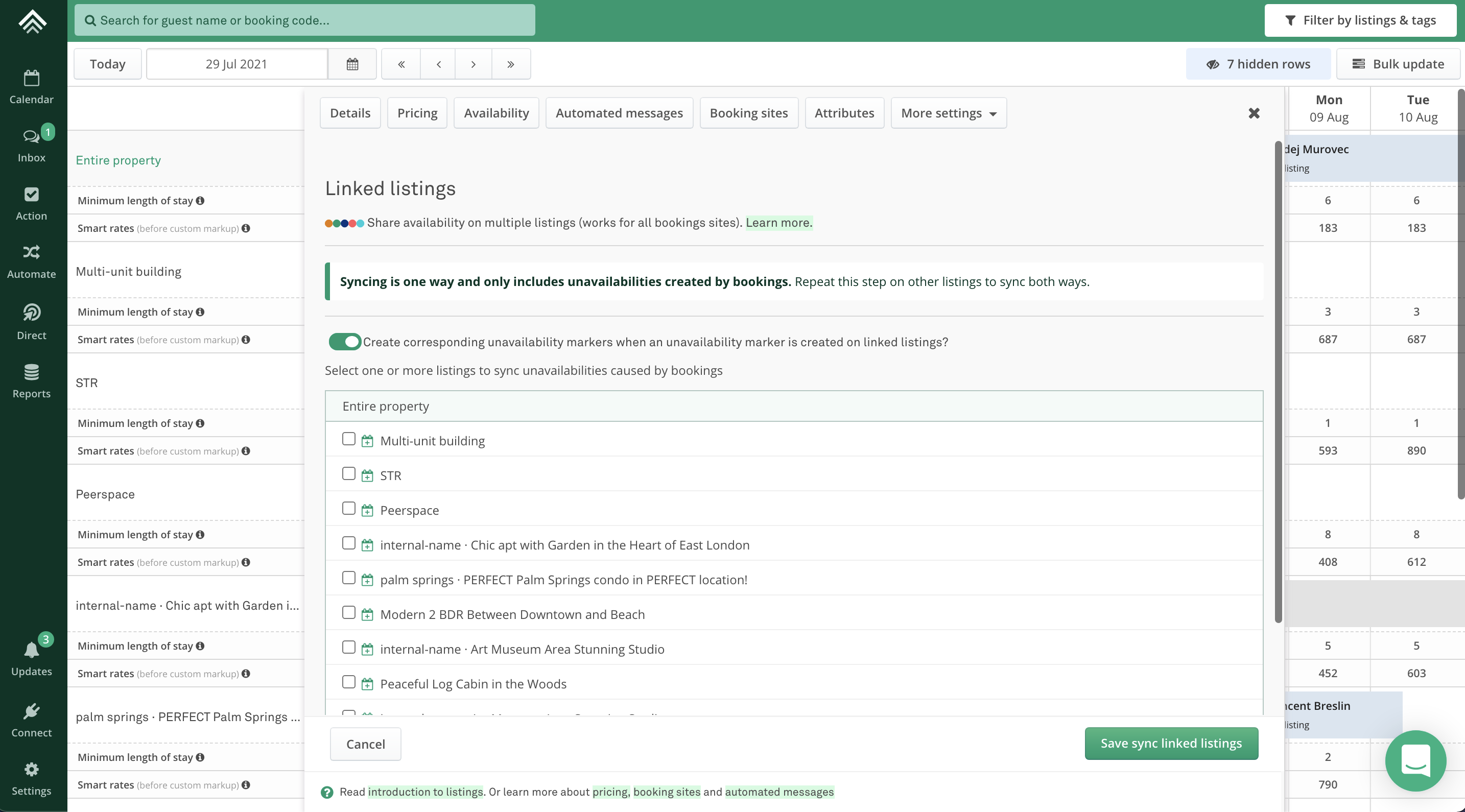
- You'll find the linked listing setting under the new
Linked listingtab on each property settings panel underMore settings(shown in the image below). - Linked listings work in one direction. This allows Uplisting to be a bit more flexible than Airbnb but means you need to specify links on each listing.
- If you want Listing A to be blocked when a booking is created on Listing B and C, select that B and C on A's linked listing tab.
What if I only want to block dates due to bookings?
This is possible! Toggle the Create corresponding unavailability markers when an unavailability marker is created on linked listings? setting off. Uplisting will then only created linked unavailability markers due to bookings, rather than both bookings and unavailabilities.
Updated on: 12/05/2026
Thank you!