
Connecting & Enabling Safeguest
Connecting & Enabling Safeguest
Prerequisites
Before enabling Safeguest, make sure the following requirements are met.
1. Listing Currency
Your listing currency on Uplisting must be set to GBP, AUD or USD. Listing → Pricing → Base pricing → Currency → Save base currency
If the listing currency is not one of the above currencies, the Safeguest option will not appear.

2. Base Rates
Base rates must be added before you can change the listing currency: Listing → Pricing → Base pricing → Base rates → Save base pricing

Connecting Safeguest
To activate Safeguest:
- Go to Automate → Identity & Deposits on this page:
- Click Sign up for Safeguest
- Safeguest will send instructions to complete the connection to the email you have signed up with.
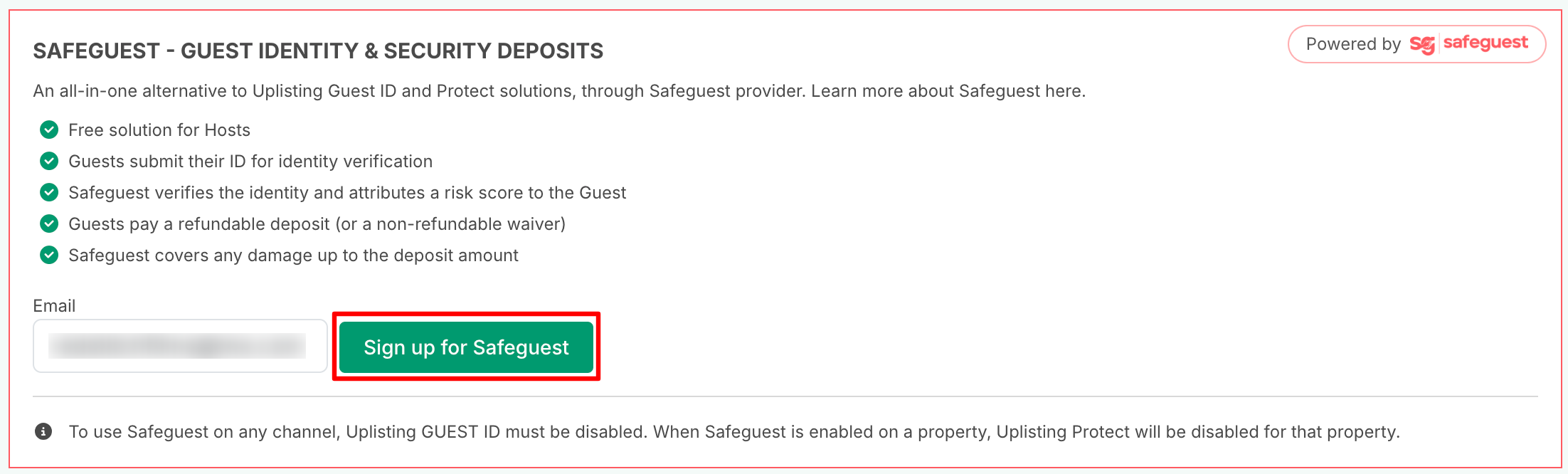
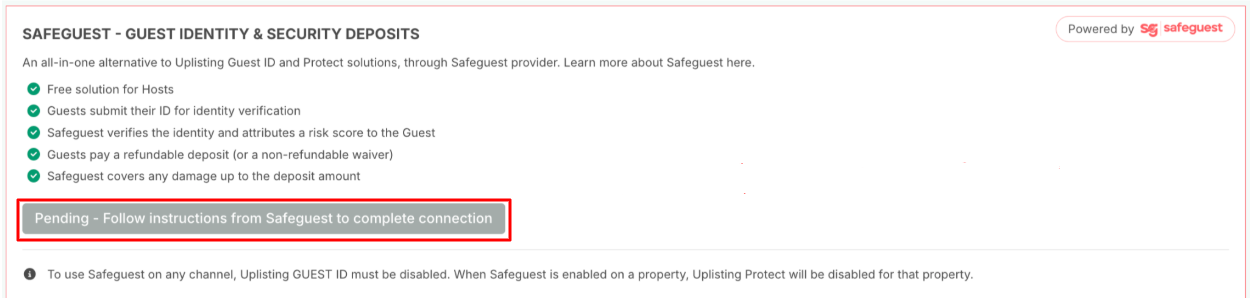
- You will see the following status during the Sign-up process:
- Pending - Follow instructions from Safeguest to complete the connection. An email with instructions on how to complete the Safeguest sign-up process will be sent to the email address you used to register.
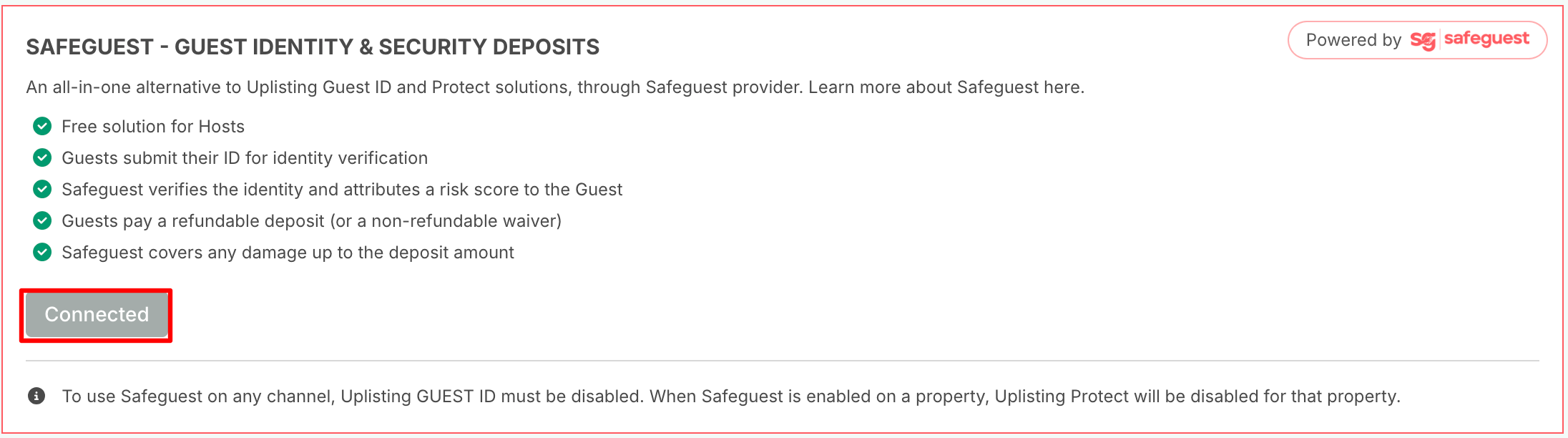
- Connected: Once the connection is completed, the status will change to connected. This means Safeguest is successfully connected to your Uplisting account.
Enabling Safeguest on Listings
📘
NOTE:
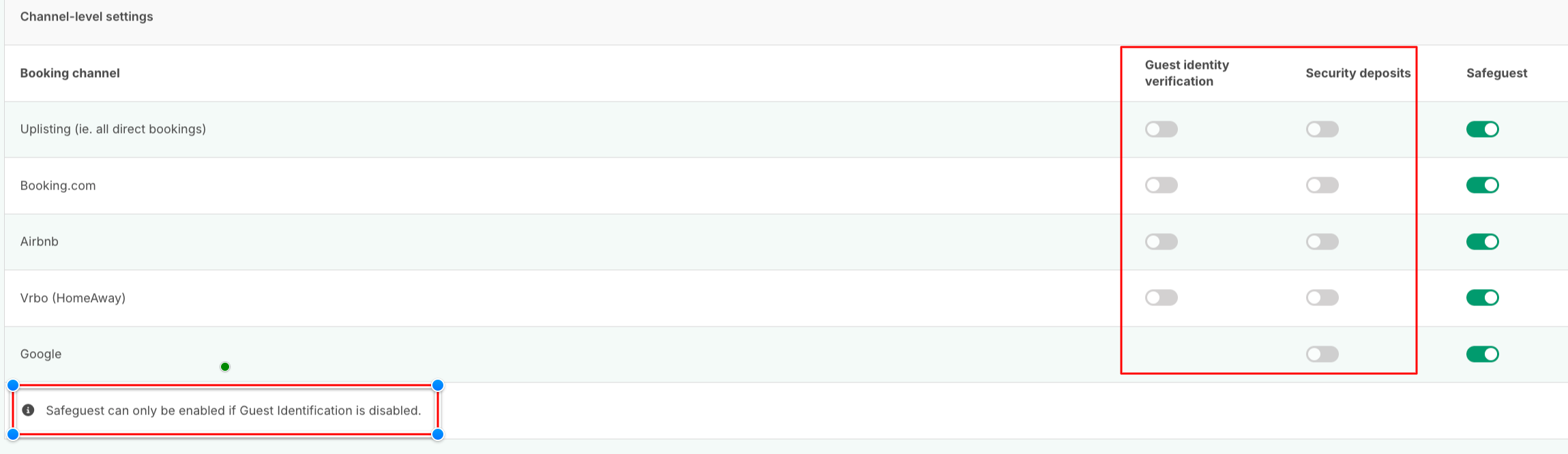
Safeguest can only be enabled when Uplisting Guest Identity is disabled.

Safeguest can be enabled:
- For one or more listings
- For one or more booking channels:
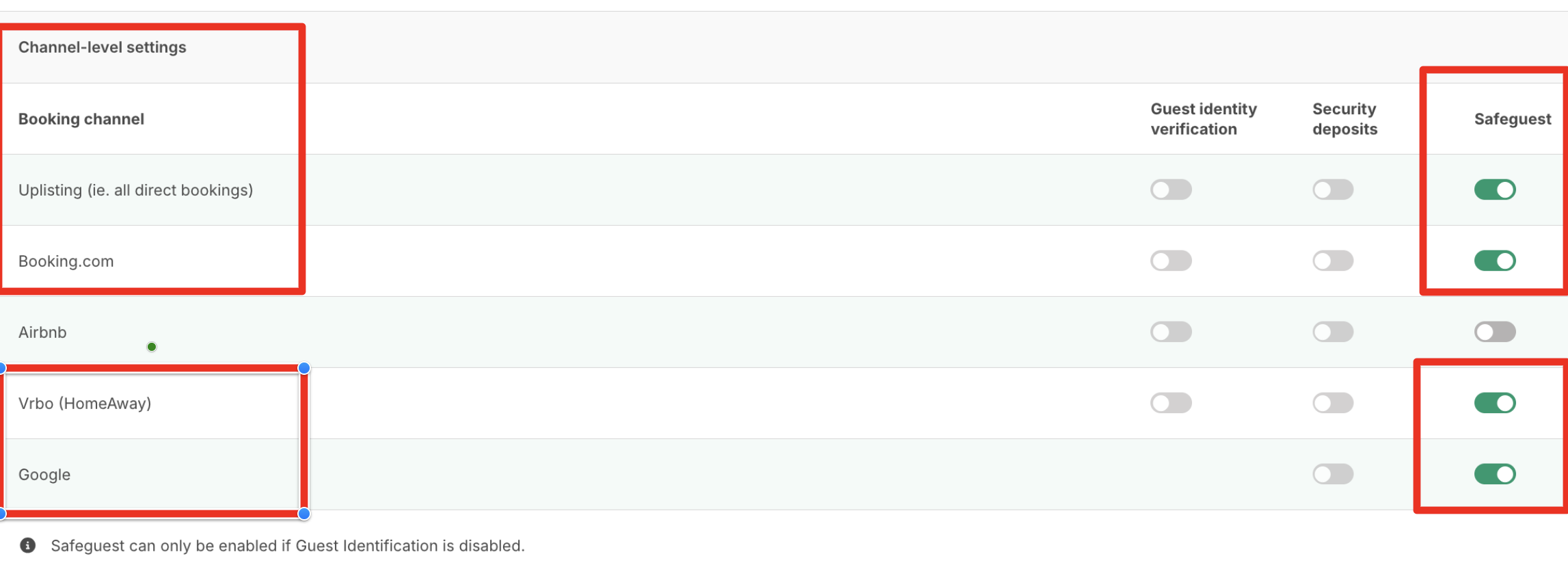
When Safeguest is enabled:
- Uplisting Guest Identity should be disabled
- Uplisting Protect (Security Deposit) should be disabled
You cannot use Safeguest and Uplisting Guest Identity or Protect at the same time.
Updated on: 07/07/2026
Thank you!