
How to deactivate your listings from Google
How to deactivate your listings from Google
Here's how to remove your listings from Google Vacation Rentals
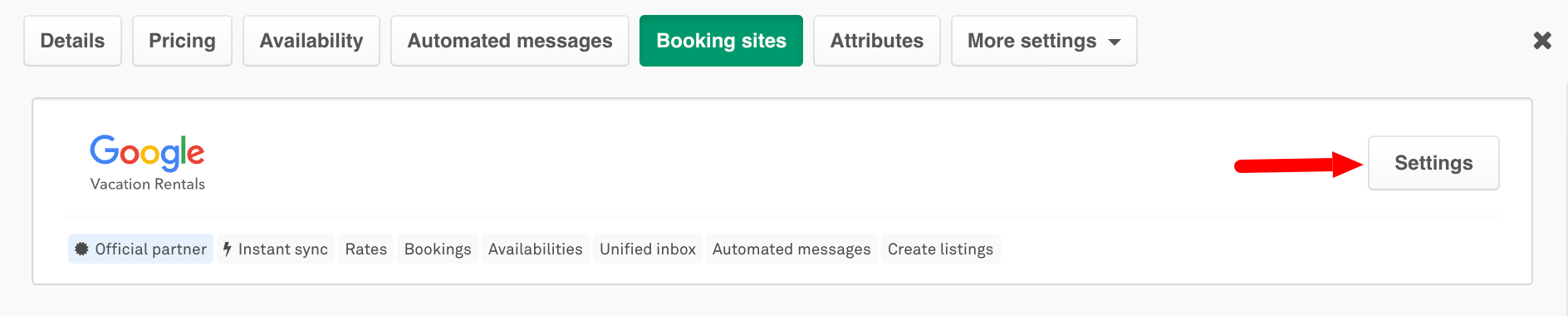
You can unpublish/deactivate your listing from Google Vacation Rentals by clicking on your listing > Booking sites > Google settings
Click on the Deactivate button as shown below.
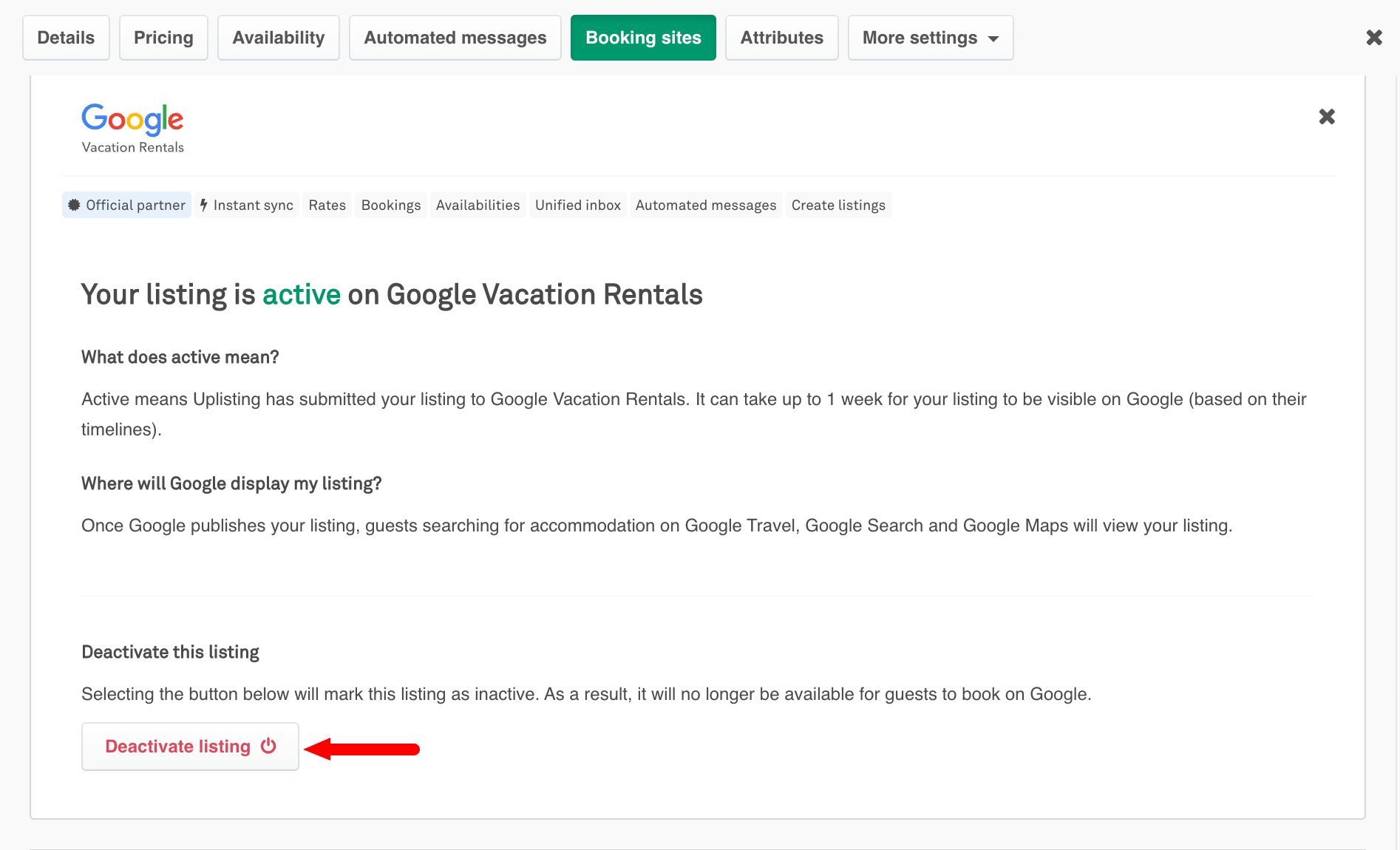
The listing will be disabled and won't be able to take any bookings immediately you deactivate, however, it will take about 2 weeks for the listing details to be completely removed from Google.
Updated on: 12/05/2026
Thank you!