
How to publish your properties on Google
How to publish your properties on Google
Learn how to publish your properties on Google.
Uplisting does most of the work for you. For most properties all you need to do is connect the Uplisting property to a payment processor then click the Publish button on the Google booking site settings.
How to publish your properties on Google
1. Go to the Booking sites tab on each property
Select 'Publish' next to the Google booking site.
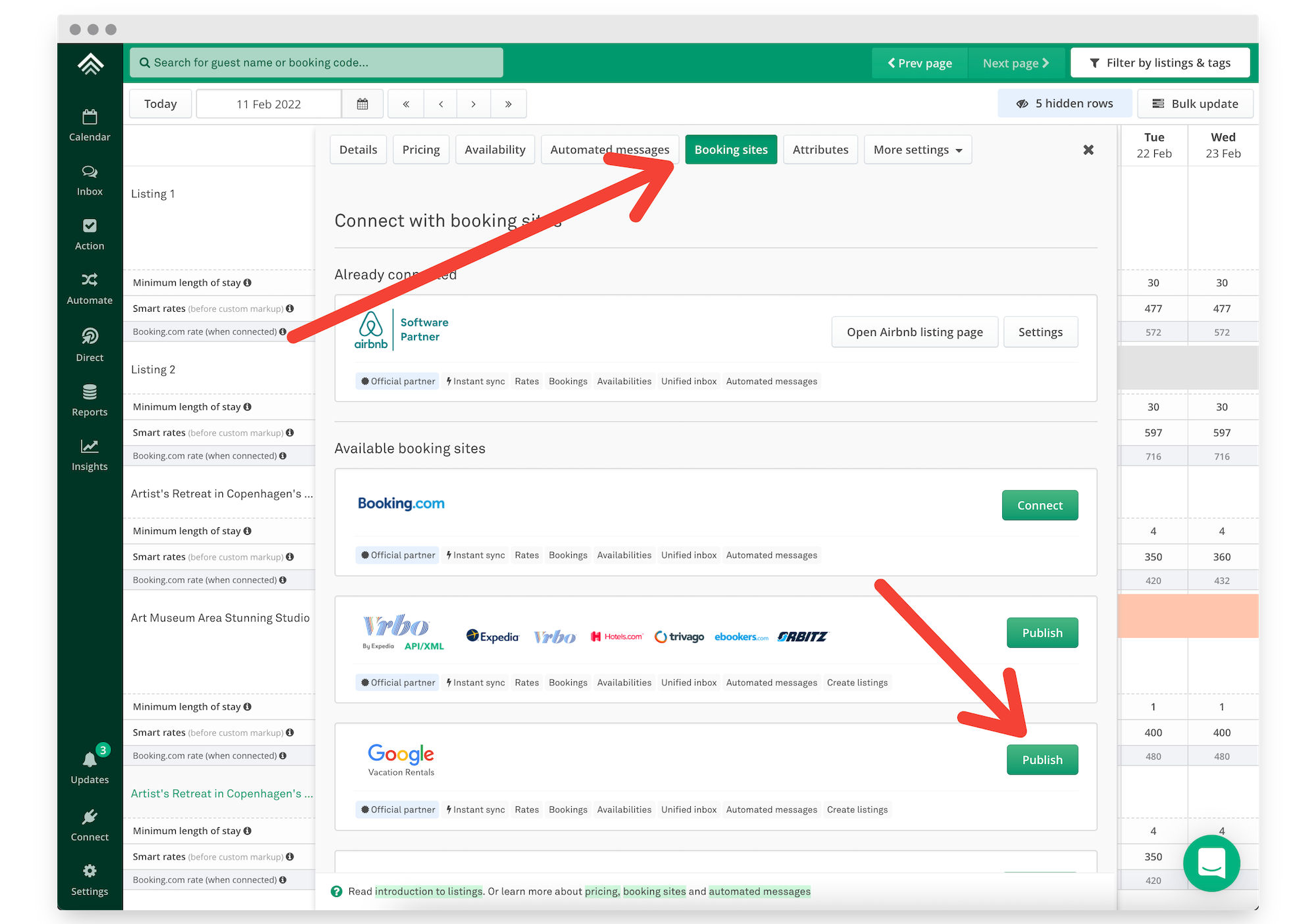
Select Google under Booking Sites
2. Select 'Next: Publish listing'
Assuming your property meets all the requirements, select the Next: Publish listing button
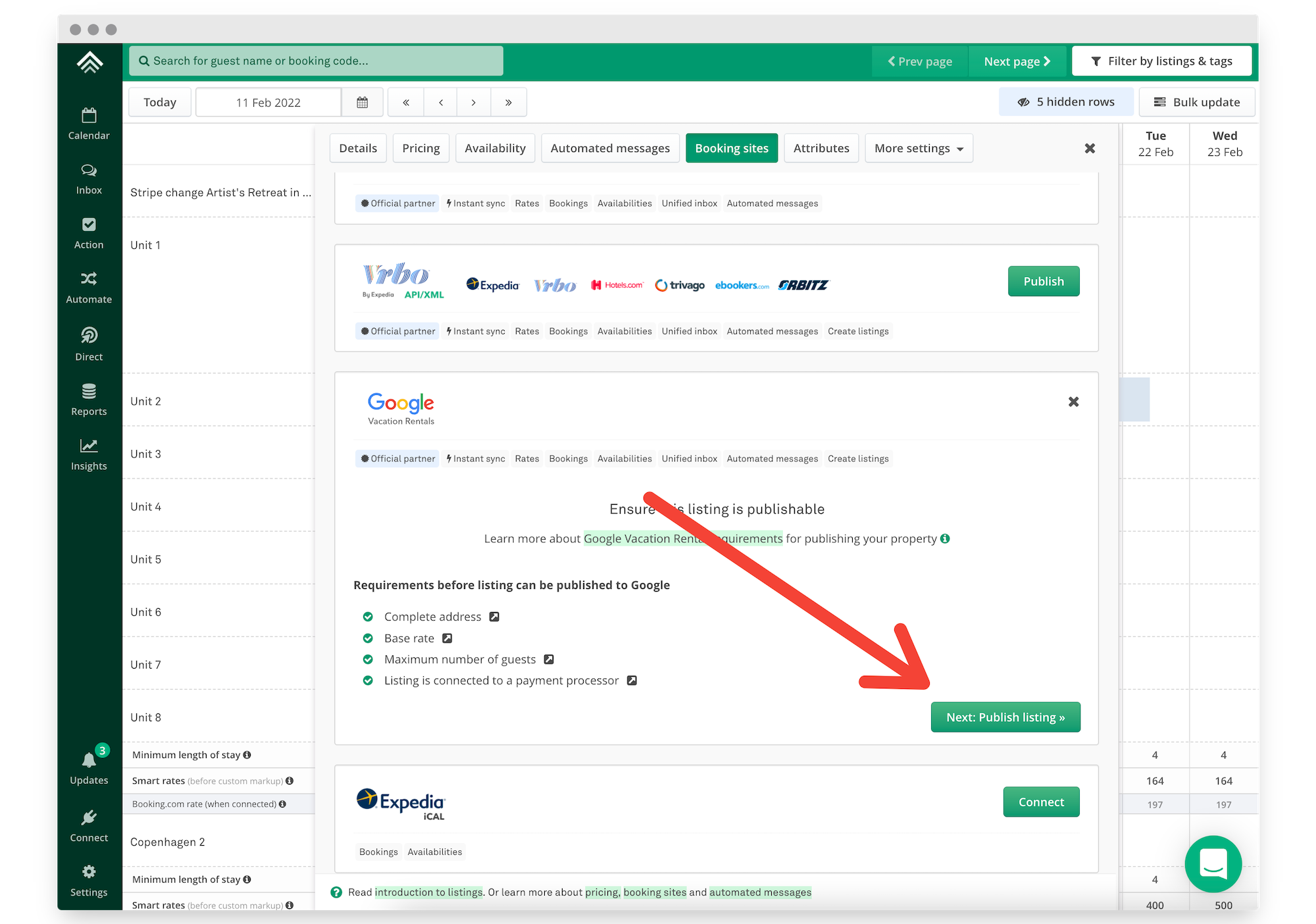
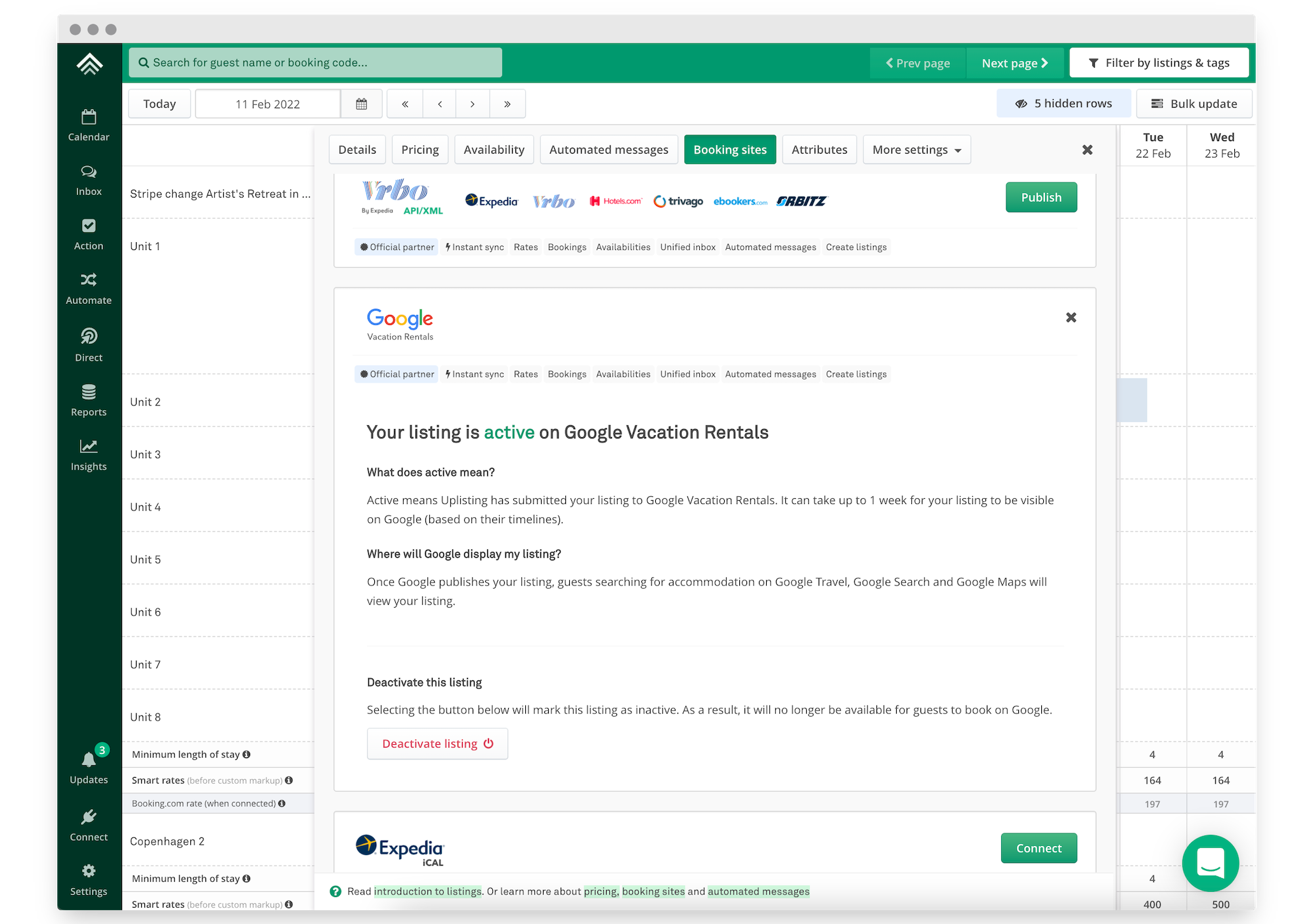
3. Done!
Your property has now been synced to Google.
❗️ It can take 2 weeks for your property to be published by Google initially
Although Uplisting makes your property available to Google instantly, it takes time for Google to ingest the content and make the listing publicly available.
Google aim to publish your properties within a week, but it can take longer. If you don't see your property available on Google please wait at least 1 week before contacting our support as this is out of our control.
If you are a new Uplisting member your listing won't be synced to Google until you subscribe. This is to ensure subscribed member properties are published on Google with priority.
✅ Prices, availability and restrictions are synced instantly
Although it takes time for Google to publish your listing initially, any price, availability and restriction updates are synced instantly.
Listing content (images, descriptions etc) are synced by Google daily.
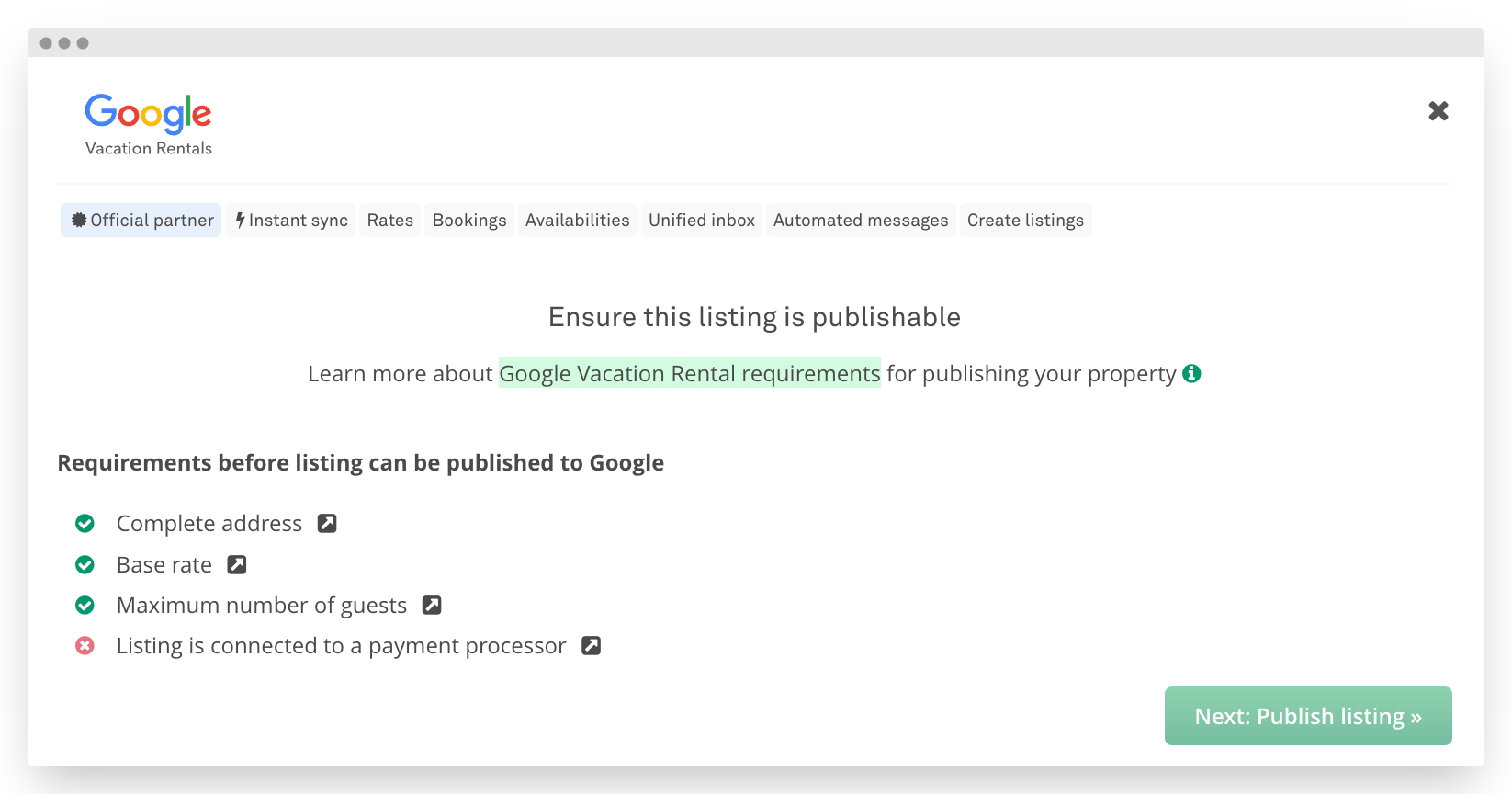
Ensure all requirements are completed
Updated on: 12/05/2026
Thank you!