
How to configure automated messages
How to configure automated messages
❗️ This guide refers to legacy (now disabled) guest messaging
Go to guest message rules to view our latest Outbound guest messaging feature.
How to configure automated messages
Each listing's automated messages can be configured independently. Select a listing on the calendar then select Automated messages. Here you'll see a number of set automated messages which you can enable and edit.
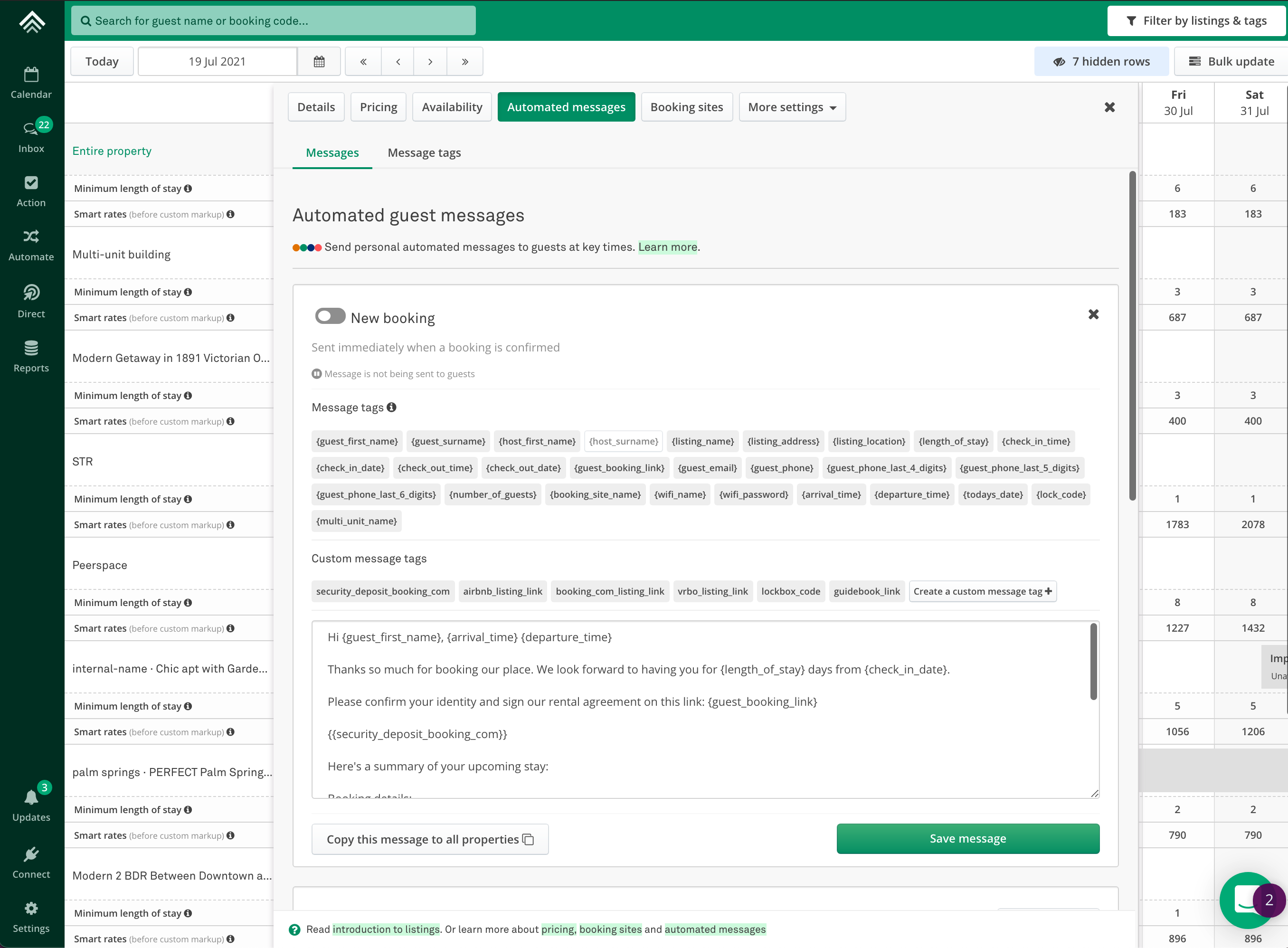
These are the automated messages you can enable and edit:
- New Booking\
Sent when a booking is confirmed (sent within 10 minutes of booking)
- 1 week before check-in (based on check-in time)\
This message gets sent out if the guest books less than 7 days before check-in, but not if they book on the day of check-in.
- Reminder of upcoming stay\
Sent 72 hours (3 days) before check-in (based on check-in time)
- Check-in instructions\
Sent 24 hours (1 day) before check-in (based on check-in time).
📘 Check-in instructions
This message gets sent to last-minute bookers (within 10 minutes). A guest will receive this message if they book less than 24 hours before check-in, or up until 11.50 pm on the day of check-in.
- Day of check-in\
Sent 1 hour before check-in (based on check-in time)
- First morning of stay\
Sent at 10 am on the day after check-in (first morning of guest stay).
📘 First morning of stay
This message only gets sent if the booking is at least 2 nights long
- Before check out\
Sent 16 hours before check-out (based on check-out time)
- After check out\
Sent 24 hours (1 day) after check-out (based on check-out time)
Updated on: 12/05/2026
Thank you!