
How to cancel or delete a booking
How to cancel or delete a booking
And what's the difference between cancelling or deleting?
🚧 It's only possible to cancel Direct, Airbnb, Vrbo and Google bookings on Uplisting. While you can delete Direct and Google bookings.
Resevations from other booking sites (eg. Booking.com), should be cancelled directly on the booking site itself. Those cancellations will then be reflected on Uplisting within a minute or two.
What's the difference between cancelling and deleting a booking?
The main difference is that when deleting a booking, it is permanently removed from the Uplisting database. This is most appropriate for bookings made in error.
Cancelling a booking marks the booking as cancelled in the database, but it remains accessible via search and on reports.
When Uplisting provides analytics, cancellation data will be used to offer insight into how your business is performing (eg. % of bookings cancelled = 2%, value of cancelled bookings = $1,324.55).
When to use cancel or delete
Cancel a booking if a guest has cancelled, or you've had to move a booking to another property
Delete a booking if you made a mistake
How to cancel or delete a booking
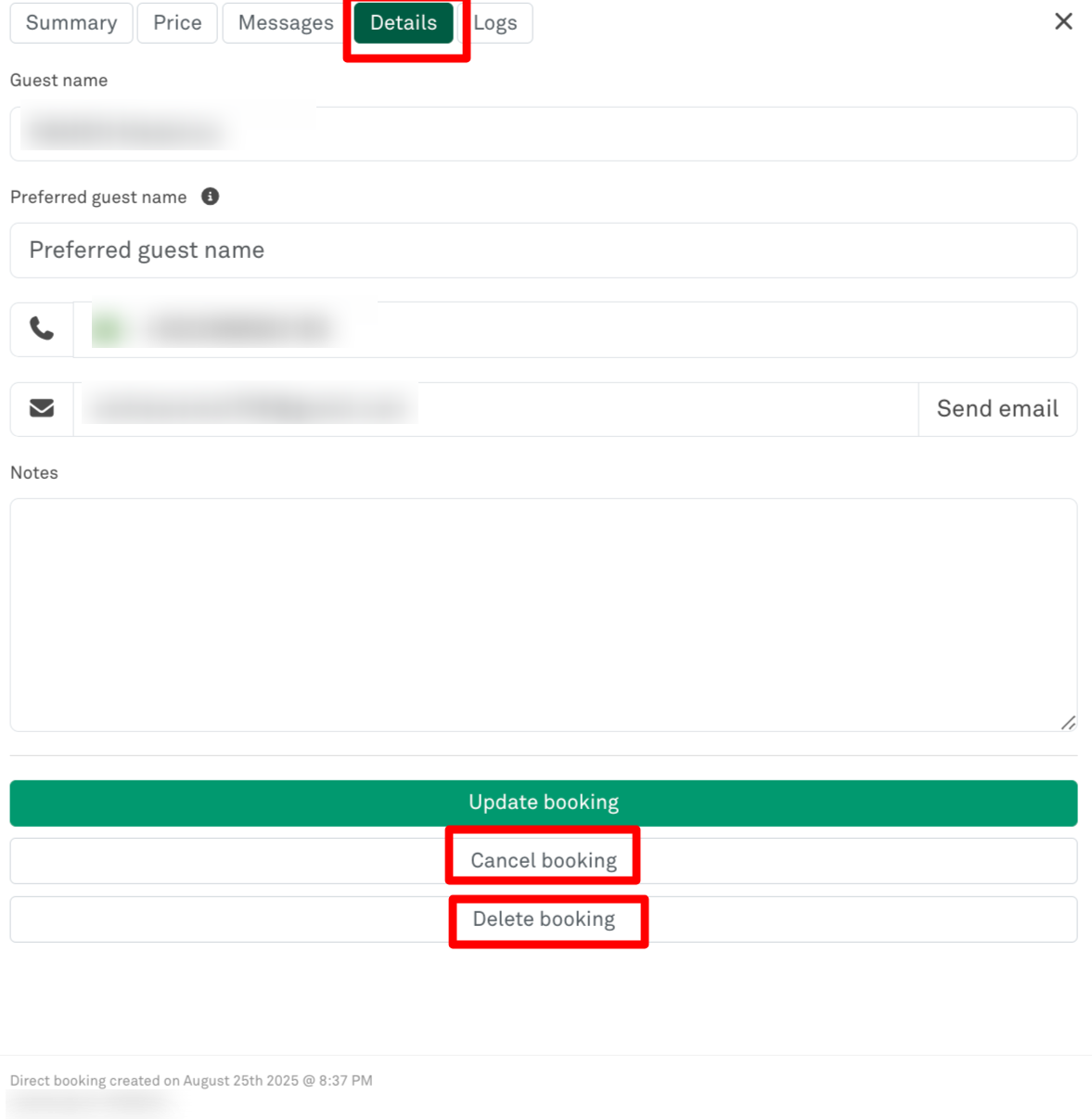
- Click the booking on the calendar
- Click the 'Details' tab and select the Cancel (or Delete) button
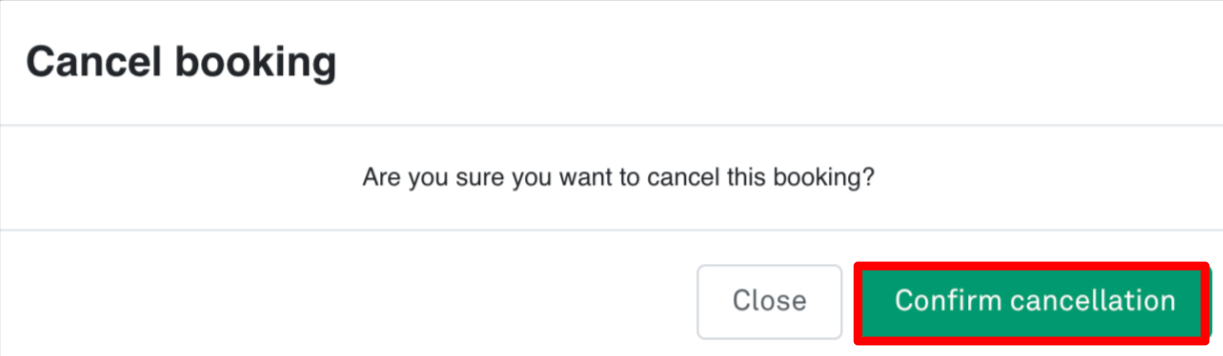
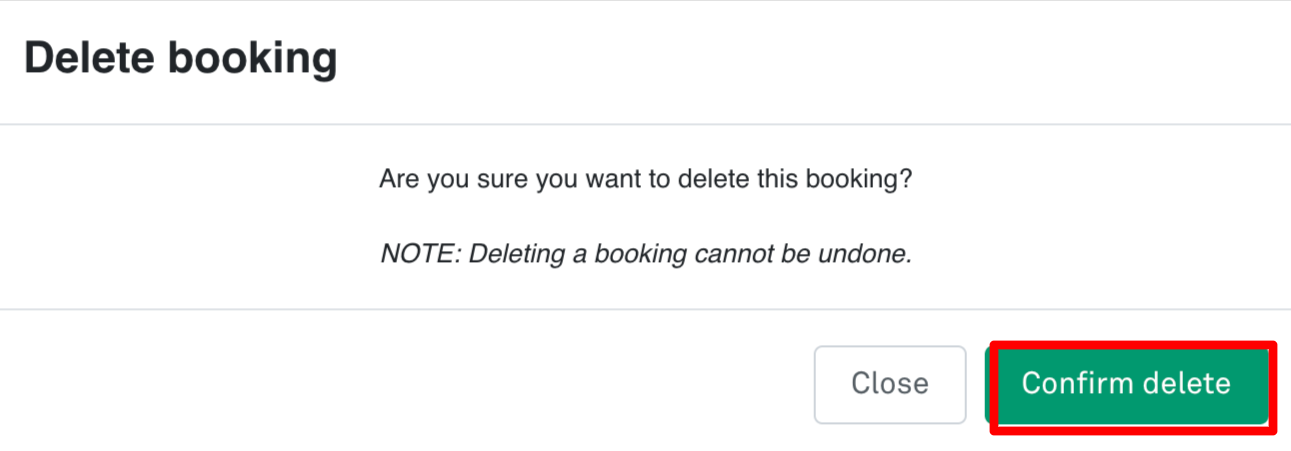
- A confirmation pop-up will appear. Confirm cancellation (or deletion)
Updated on: 12/05/2026
Thank you!