
Monthly calendar view
Monthly calendar view
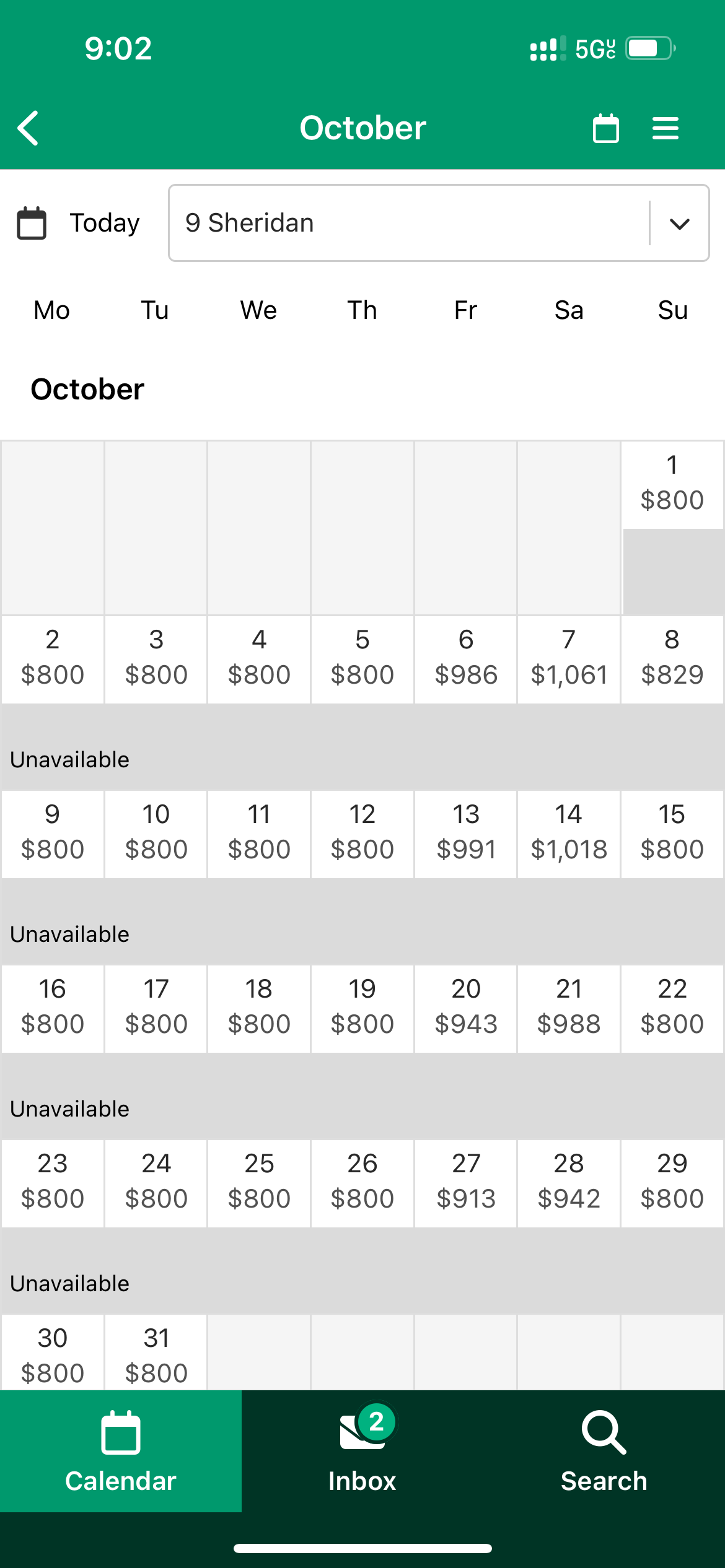
The Uplisting mobile app provides an individual property monthly calendar view
Select the property name on the multi-calendar view to enter the individual property monthly calendar view. From here, you can:
- View bookings
- View and edit rates
- View and edit Min Stay restrictions
- Switch between rates and min stay views using the 3 horizontal lines icon (top right).
- Mark dates unavailable
- Create a booking
- Select another property to view (using the drop-down).
- Skip to another date using the calendar icon
Updated on: 12/05/2026
Thank you!