
Block dates (mark dates unavailable)
Block dates (mark dates unavailable)
Mark dates unavailable on the individual property monthly calendar
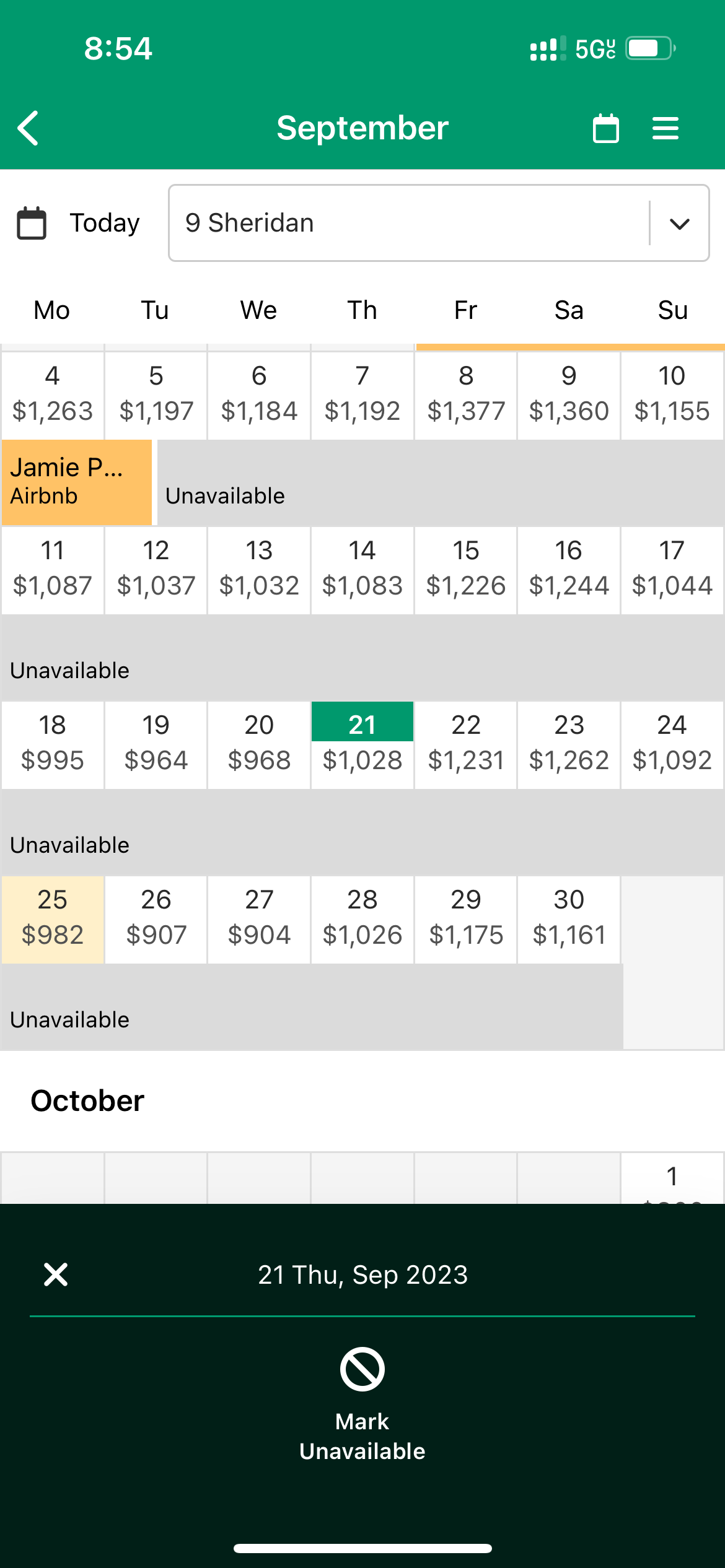
- Enter the property calendar view by selecting a property name on the multi-calendar view.
- Select a date.
- Just one date is selectable. You can edit the date range in step 4.
- Select "Mark Unavailable".
- [Optional] Edit the start and end dates.
- [Optional] Enter a description.
- Select the ✔ icon on the top right.
- Done. The dates are now blocked.
Updated on: 12/05/2026
Thank you!